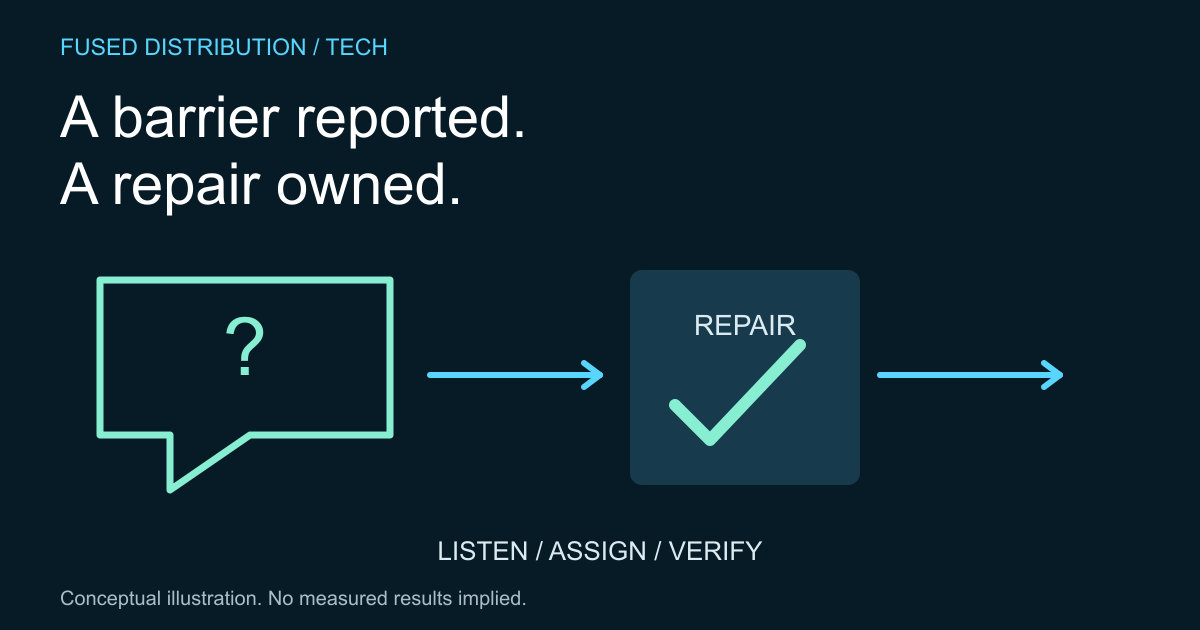
Ask only for useful context → Separate the report from the diagnosis
Prioritize the blocked task → Verify the repair and close the loop
A customer describing a website barrier is telling you about a task they could not complete. Start by understanding that task, the page involved and what happened. Do not require a person to supply a technical diagnosis before their report receives attention. A clear record helps the team investigate and respond.
W3C WAI guidance on involving users explains the value of including people in accessibility work. User feedback complements other evaluation methods; one person's successful experience does not establish that a website works for everyone. The workflow below is a practical way to organize reports and follow through.
Ask for useful accessibility feedback context
Record the URL, intended action, observed result and approximate time. Ask for device, browser or assistive technology details when they are relevant and the person is comfortable providing them. Avoid requesting medical information or other personal details that are not needed to investigate the barrier.
Let people explain the issue in their own words. A screenshot or recording may help, but it should not be the only accepted way to report a problem. Keep personal information in an appropriately restricted location and use a concise, neutral issue description in the team's general work queue.
Separate the report from the diagnosis
Preserve the customer's description, then add the team's reproduction steps and findings separately. If you cannot reproduce the problem, keep the report open while checking relevant differences. Do not translate “not reproduced yet” into “no problem exists.”
Our guide to accessibility ownership explains assigning responsibilities. Give the investigation an owner and a next review point. Where a supplier controls the affected component, record that dependency and the evidence sent to the supplier rather than losing the issue at the handoff.
Prioritize the blocked task
Describe the impact on completing the action, not only the visual appearance of the problem. A barrier that prevents a customer submitting a request needs a different response from a minor presentation concern. Set priorities using the actual context and the team's established process.
For form related reports, the contact form label guide provides a focused review starting point. Offer an appropriate alternative route where the business can support one, while keeping the underlying repair active. A workaround should not quietly become the only permanent solution.
Verify the repair and close the loop
Test the repaired journey using the reproduction steps and the relevant evaluation methods. Record what changed, the checked version and remaining limitations. If the customer agrees to help, invite them to try the repaired task without making them responsible for certifying the whole website.
Prepare a clear response explaining the outcome in ordinary language. If the issue remains unresolved, state the next step accurately. Keep lessons from repeated reports in the publishing and development checklists so the same barrier is less likely to return. Good feedback handling includes both the individual response and the process improvement.
Sources
- W3C WAI involving users. Source context is distinguished from the original practical method above.
Related
Read next: Assigning accessibility ownership in a small team.