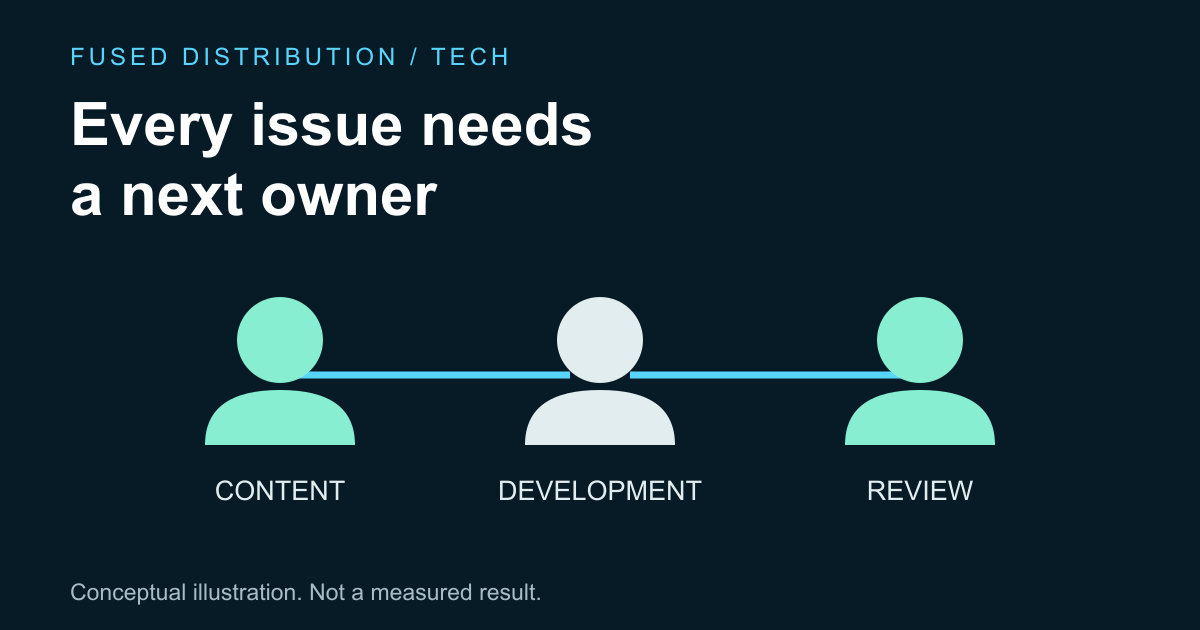
Map real responsibilities → Define concrete checks
Own each handoff → Include external tools
Assign accessibility ownership to the people who create, review and maintain each part of a website, then give unresolved issues a clear route to a decision. A small team may combine several roles in one person. The important point is that each responsibility is explicit and has enough time and authority behind it to be carried out.
W3C's accessibility planning guidance recommends assigning responsibilities and supporting them with resources and skills. The workflow below is a proposed way for a small team to put that idea into practice. It does not certify a website, establish legal compliance or replace evaluation of the actual pages and user journeys.
Map accessibility work to real team responsibilities
Begin with the work your team already performs: writing content, selecting images, designing layouts, implementing components and reviewing releases. List who currently does each activity. Include purchased tools and embedded services because a visitor experiences those as part of the journey even when your team did not build them.
For each activity, identify who can make the relevant change and who can review it. One person can hold both responsibilities when staffing is limited, but write that down rather than assuming an independent check exists. If nobody has the knowledge needed to evaluate an issue, record the gap and arrange appropriate help instead of treating uncertainty as a pass.
Keep the responsibility list short enough to use. A practical entry might name the content owner, the developer and the person who can approve time for repairs. These are suggested roles, not mandatory job titles. What matters is whether a reported issue reaches someone who can investigate it and move the work forward.
Give each owner a clear acceptance check
Attach a concrete check to each responsibility. A content editor can confirm that a link's wording describes its destination; a developer can test a keyboard interaction; a release reviewer can follow the main task on the completed page. These examples are limited checks, not a complete accessibility assessment or a substitute for a suitable evaluation plan.
Write the expected behavior and the observed result beside the issue. “Check accessibility” is too broad to tell the next person what happened. “The keyboard focus becomes invisible on this contact button” gives an investigator a specific place to start. Include the page and relevant steps without adding private user information to the report.
Our guide to checking keyboard focus describes one focused review area. Use narrow checks as evidence about that area only. Passing a focus check does not establish that the whole page, the entire site or every interaction works for every visitor.
Make ownership survive the handoff
Define how a problem moves from discovery to investigation, repair and verification. The person who reports it should be able to see who owns the next action. If a fix changes shared components, identify where those components appear so review covers the affected behavior rather than only the first page where the problem was noticed.
Give blocked issues a reason and a next step. A dependency on a supplier, missing design decision or lack of specialist knowledge should be visible. Assign someone to follow up rather than letting the issue disappear because the original reporter cannot fix it. Set a review point that fits the impact and the team's actual operating schedule.
A repair is ready for closure when the agreed verification has been completed and recorded. Do not close it solely because code was merged or a supplier acknowledged the request. Those are intermediate events. The user facing behavior and any remaining limitations should be understood before the team describes the issue as resolved.
Include external tools in accessibility ownership
Identify who chooses and maintains forms, booking services and other embedded tools. Give that owner the job of requesting relevant accessibility information and evaluating the actual integration. A vendor statement can inform a decision, but it does not describe every detail of your configuration, surrounding content or the complete journey on your site.
Keep a route for users to report difficulty with a tool and decide who responds. Where a limitation is known, discuss an appropriate alternative with the responsible service owner. Avoid promising that an alternative solves every access need unless that claim has been evaluated. Record what is available and how the team will handle a report that it is insufficient.
W3C's planning guidance places responsibility, skills and resources within a broader accessibility effort. Use that guidance to identify gaps in your process. Do not reduce it to naming one coordinator and assuming the rest of the organization no longer has a role in the work.
Reserve time for review and maintenance
Put relevant checks into the team's normal change review. New content, component updates and third party changes can affect behavior after an earlier review. Decide which checks belong with each kind of change and who records the results. This creates a repeatable responsibility instead of relying on somebody remembering to ask at the last moment.
Our website change review guide can help organize a release record. Add the specific accessibility checks appropriate to the change and the level of evaluation required. Keep any unresolved limitations visible, with an owner and a decision about the next action, rather than hiding them inside a generic completed checklist.
Review the ownership list when people, suppliers or service priorities change. The useful result is a team that knows who investigates, who repairs and who verifies. Clear ownership cannot guarantee an accessible experience by itself, but it makes missing work easier to see and gives the team a practical way to address it.
Sources
- W3C WAI planning guidance: responsibilities, resources and skills. The small team workflow and examples are original suggestions, not a certification checklist.
Related
Read next: Make keyboard focus visible.