Check structure and meaning → Review images and media deliberately
Test the published journey → Record evidence and follow through
An accessibility checklist should help the person publishing content make concrete decisions. Organize it around the actual work: drafting headings, choosing images, adding links, preparing media and reviewing the published page. A list stored elsewhere and never used at those moments is unlikely to catch a missed step.
W3C WAI planning guidance treats accessibility as ongoing work with responsibilities and resources. The checklist below is an original operational approach informed by that principle. It is not a conformance assessment or a substitute for evaluating the website and its tools.
Include structure and meaning in the checklist
Read the draft headings in order. They should describe the sections and represent their relationship rather than merely change the size of text. Confirm that important instructions remain understandable without relying only on color, position or a decorative symbol.
Review link text in its sentence. A reader should have useful context for the destination or action. Our article on accessibility ownership explains assigning review responsibilities. Give a named role the unresolved questions instead of assuming the publisher can repair every template or component problem.
Review images and media deliberately
Decide what each image contributes before writing its text alternative. Describe information needed to understand the content; do not copy a long keyword list. A decorative image and an informative diagram have different purposes. For a complex graphic, provide the important explanation in nearby text as well.
For video or audio, check the actual available alternatives and their accuracy. Auto generated captions still need review, particularly names and technical language. The checklist should record which media were reviewed and which issue remains open, rather than equating the presence of a caption file with a completed check.
Test the published journey
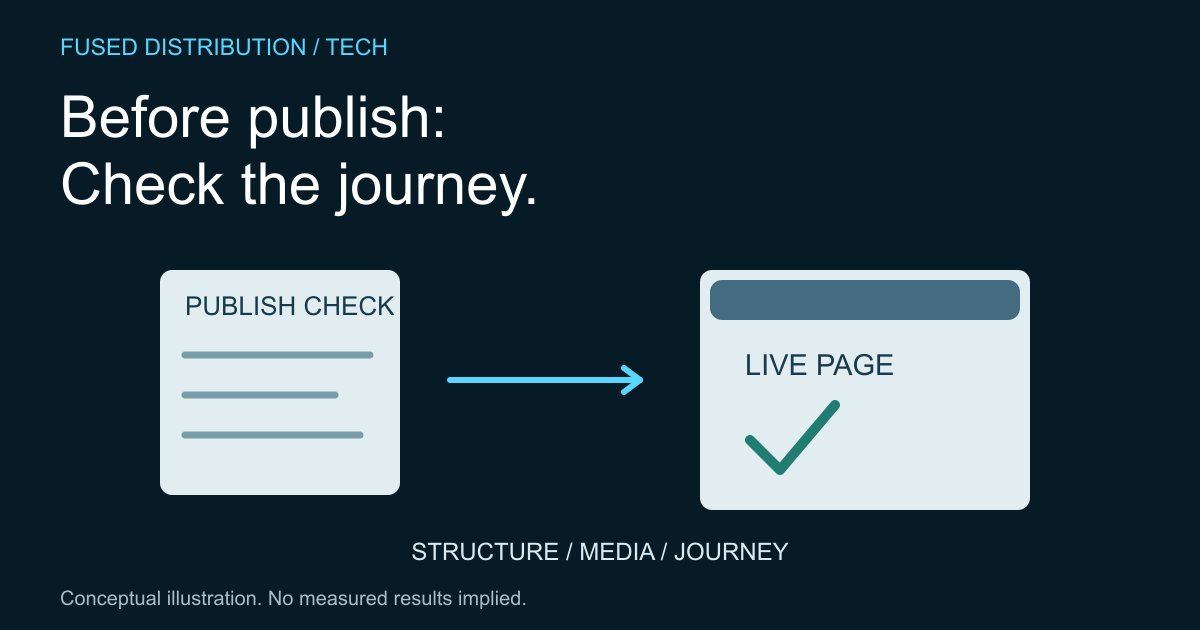
Previewing the draft is not the final step. Check the published URL, the links and the important action on the devices and interaction methods in the team's test plan. A content update can expose a template issue that was not visible in the editor.
For contact journeys, use our contact form label guide as a focused starting point. Keep checks proportional to the change while retaining a clear escalation route. A broken form or inaccessible control needs an owner and a repair task, not a silent tick in the publishing checklist.
Record evidence and follow through
For each release, save the URL, reviewer, date, checks performed and unresolved issues. Describe the issue in terms another person can reproduce. Avoid recording a blanket statement that the site is accessible merely because one page passed a limited review.
Revisit the checklist when the team changes templates, adds media formats or learns from customer feedback. Remove steps that are unclear by rewriting them into observable actions, not by dropping the underlying need. A short checklist used consistently is useful when its limits and escalation path remain explicit.
Sources
- W3C WAI planning and managing. Source context is distinguished from the original practical method above.
Related
Read next: Assigning accessibility ownership in a small team.