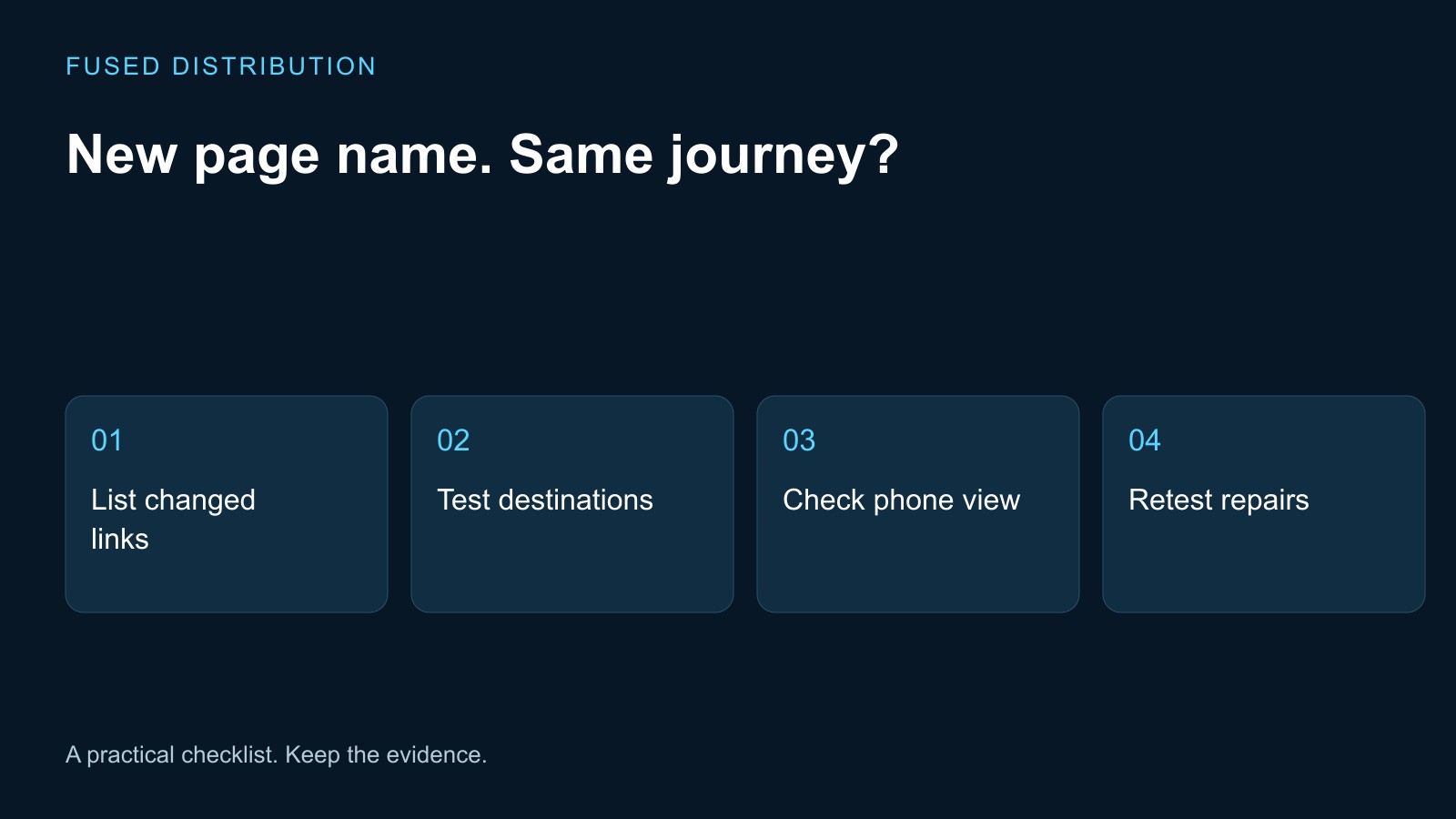
Name changed → List affected links
Repair made → Repeat the same visitor journey
After changing a page name, test the links that visitors actually use to reach it. Check the visible label, the address it opens, the destination content, and the next action. Changing a menu label and changing a URL are separate edits, so first establish which one happened before deciding what needs repair.
List what changed in the page names
Write the previous page name beside the new one and record the intended address. Ask whether the edit changed only the text visitors see, the page title, the URL, or several of these. A note that says renamed services is too vague for someone else to test reliably.
List the places that refer to the page. Include the desktop menu, mobile menu, footer, homepage cards, related articles, and contact or booking prompts. Add a printed or emailed link if it is part of a current customer journey. Give each location its own row because one correct menu link does not establish that the footer was updated.
Start with the routes most important to a visitor trying to become a customer. You can expand to the rest of the site afterward. If URLs moved, use the old address mapping checklist to preserve the intended relationship between old and new pages.
Test the destination, not just the response
Open each recorded link from its actual position on the site. Read the address bar when loading finishes, then check the heading and main content. A page that opens successfully can still be the wrong destination. Record an unexpected homepage or unrelated service as a failed intent check even if no error appears.
Use a simple set of result fields: starting page, link label, expected address, observed address, content match, and next action. Copy the full address instead of describing it from memory. Keep an error screenshot when useful, but include the text of the failure so the record remains searchable.
Do not change the expected result after seeing a wrong destination just to make the row pass. Confirm the intended page with the person who owns the service content. Then assign a specific repair, such as updating the footer link to the approved service URL, and retest that same location after the change.
Check mobile navigation and touch behavior
Repeat the important journeys on a phone. Open and close the menu, select the renamed page, and return to the previous screen. Test a link after scrolling as well as at the top of the page. Watch for a menu overlay that remains open or a preview area that captures touch gestures intended for navigation.
If the website contains a sample page inside a phone graphic, distinguish moving through the sample from opening the full preview. Use the control as a visitor would and record the action that produces a wrong result. A useful report says which sample, which gesture, and which destination were involved.
Check the visible label in its available space. A name that fits on desktop may wrap or crowd another control on a smaller screen. Do not abbreviate it into an unclear label merely to remove wrapping. Review the wording and layout together, then repeat the touch test on the actual updated page.
Check link text and old addresses
Google's link guidance recommends crawlable anchor links with an href and descriptive link text relevant to the destination. Ask your developer to inspect the underlying link when a control looks like a link but behaves inconsistently. Appearance alone does not verify the markup.
Read the label without the surrounding paragraph. It should give a visitor a reasonable expectation of the page that opens. Replace an outdated service name where the new wording reflects the same destination, but preserve context when a historical article genuinely discusses the old name.
If the URL changed, test the previous address separately. Record where it finishes and ask the administrator to review any loop, error, or unnecessary detour. The redirect chain guide covers that technical check. Do not send unrelated removed pages to the homepage simply to hide an error.
Retest and save a completion record
After repairs, repeat the original failing journeys rather than testing only the new page directly. A direct visit skips the link that may still be wrong. Keep the earlier failure beside the new result so another person can see what was fixed and what evidence supports closing the task.
Give the contact or booking path a final review. Opening the right service page is only one step if the next button leads to an outdated form. Use a test method agreed with the site owner before sending any form submission; avoid generating fake enquiries during a routine link review.
Finish with a dated list of the locations checked, device used, observed destinations, and unresolved items. Separate visual issues from broken navigation so they can be assigned clearly. This record provides a repeatable test for the next page rename and helps prevent a small wording change from leaving customers at the wrong destination.
Related
Read next: old address mapping checklist.