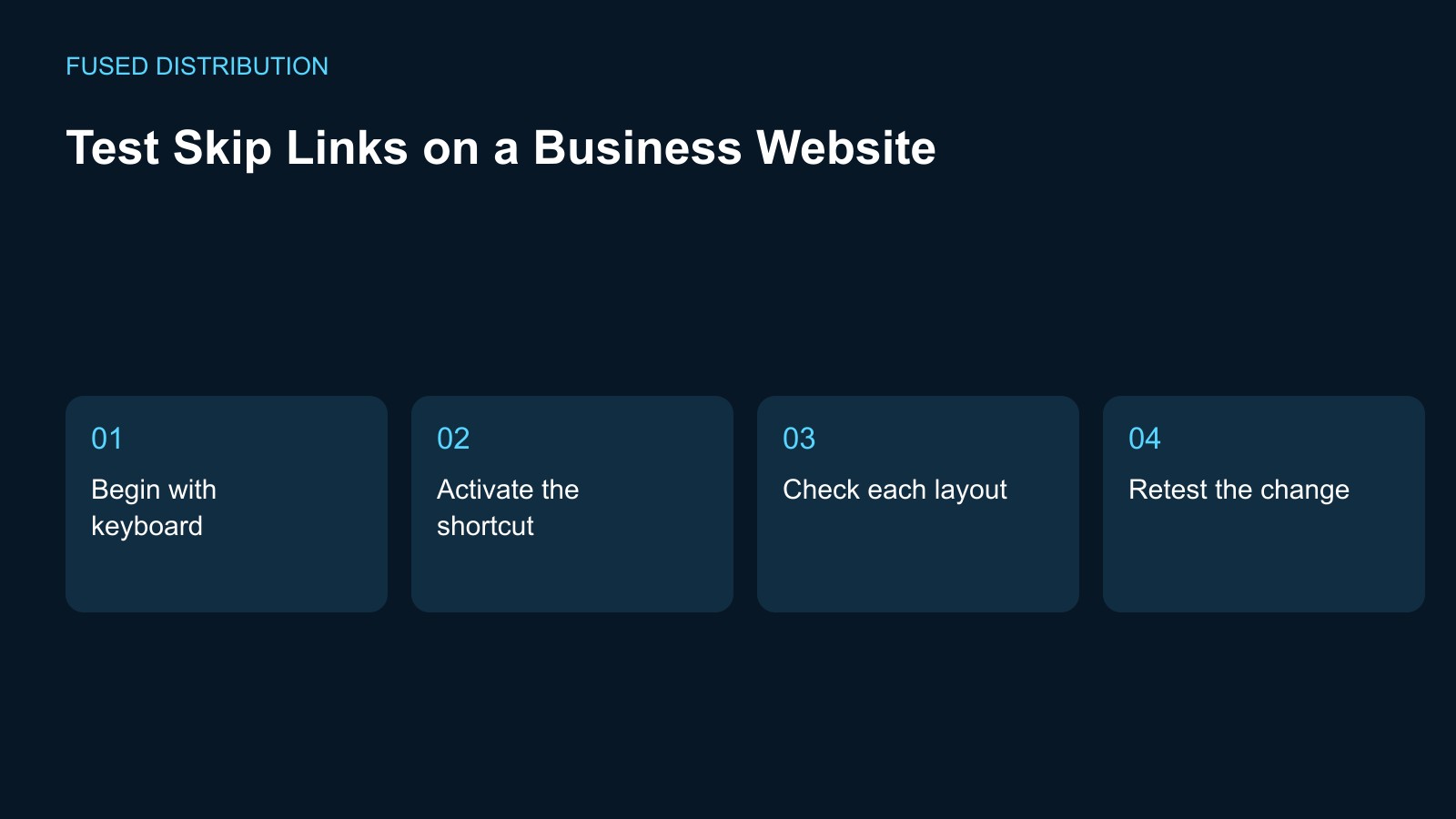
Begin with keyboard → Activate the shortcut
Check each layout → Retest the change
Test a skip link by starting at the top of a page and checking whether it lets a keyboard user move past repeated navigation to the intended main content. Choose a homepage, a service page, and another layout used by the business. Record the expected destination on each. A control called skip to content is only useful when its behavior matches that promise on the actual page.
Find the skip link with the keyboard
Open a chosen page in a fresh tab and navigate from the start using the keyboard. Watch for the skip control and note whether you can identify it when it receives focus. If it is not visible, record the browser and exact starting condition before drawing a conclusion. Ask the developer to confirm the expected interaction and any relevant browser setting so the test can be repeated consistently.
Activate the skip link
Activate the control and observe both the visible page position and where keyboard interaction continues. A visual jump alone does not establish that the user can continue from the intended content. Record the next control reached and compare it with the expected destination. If navigation returns to the same long menu sequence, preserve the steps that reproduced the behavior rather than marking the test complete because the screen moved.
Test more than one page layout
Repeat the check on the selected service and secondary pages. A shared header may work differently when a template uses a different content container or an extra banner. Note the failing URL and the element that should receive the user, then ask the developer to review the destination and focus behavior. Avoid assuming a fix on the homepage covers every page that happens to display the same navigation.
Retest after the implementation changes
Use the same starting conditions after the repair and follow the skip action through to the next meaningful interaction. Check that the control remains understandable when the page is enlarged and when a temporary banner is present. Keep those observations as separate results so a failure is not hidden by a pass on the ordinary layout. The evidence should describe what happened, rather than simply repeat the intended design.
Keep the check in the site review
Add the tested page types and their expected destinations to the website maintenance checklist. Repeat the review after header, navigation, or template changes. W3C guidance on bypassing repeated blocks provides the broader purpose for this feature; testing one skip link is not a complete accessibility assessment. A short, reproducible record helps the next person verify that a useful shortcut still works after the website evolves.
For related preparation, see our Website link testing. Use the Website change records to connect this check with the wider record.
Source context: W3C accessibility guidance. The checklist above is a suggested working method; record your own observations rather than assuming an outcome.
Related
Read next: Website link testing.