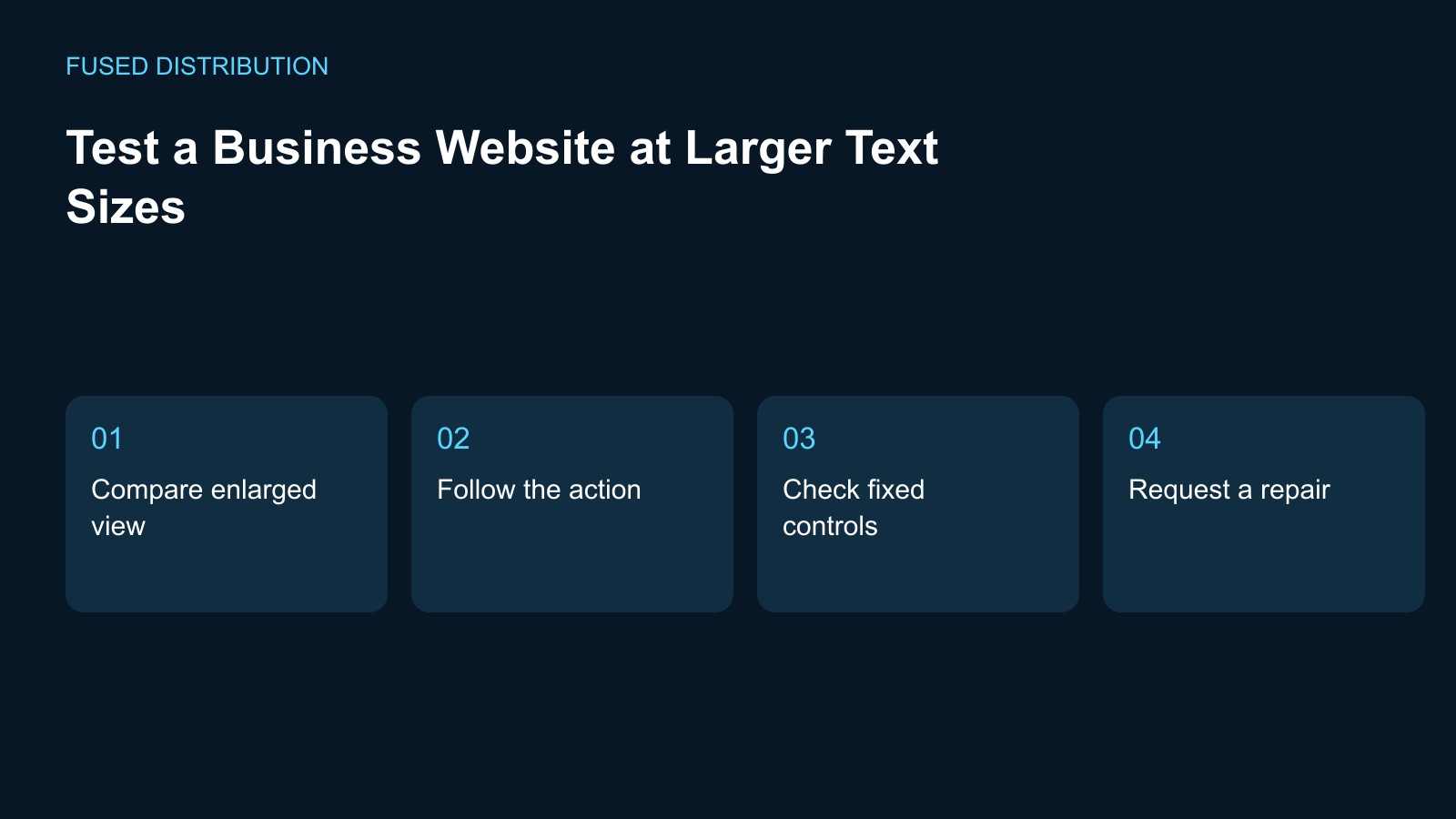
Compare enlarged view → Follow the action
Check fixed controls → Request a repair
Test larger text by repeating important website tasks after increasing the browser text or zoom setting. Begin with a service description, navigation menu, and contact form. Record the browser, starting window size, and setting used so the result can be repeated. Focus on whether the content and controls remain usable, not only on whether the page still resembles its original layout at the default size.
Compare the website at larger text sizes
Take a baseline look at the chosen page before changing the setting. Then enlarge it and read the same content in the same order. Note words hidden behind another element, controls that disappear, or instructions that no longer fit beside their field. Keep the URL and setting with each observation. A cropped screenshot without that context can make an otherwise useful report difficult to reproduce.
Follow the customer action
Open the menu, choose the service, and continue to the contact or booking destination using the enlarged view. A readable headline is not enough if the next control becomes unreachable. Check content inside cards, banners, dialogs, and preview frames separately. Record which container clips the content rather than describing the whole website as too large. The location of the failure often determines who needs to fix it.
Review forms and fixed controls
Look closely at labels, field instructions, and any control that stays fixed on screen. Check whether a banner obscures the current field or prevents reaching the next action. Use sample input without submitting a false customer enquiry. If an error state needs testing, agree on a safe method with the site owner and preserve the exact sequence that produced the problem for the developer.
Assign a precise layout repair
Send the developer the page address, enlargement setting, browser, and expected task. Explain what becomes unavailable and where you observed it. Ask them to retain readable content and usable controls rather than shrinking the text back to the original appearance. When the repair affects a shared component, list another page that uses it so the change can be checked beyond the first example.
Retest the changed component
Repeat the original journey after the repair and compare it with your saved observation. Check a nearby setting as well to see whether the fix only works at one narrow size. Record the result and keep any remaining issue separate. This is a focused usability check, not a complete accessibility assessment, and it should sit alongside other reviews when the website or its design system changes.
For related preparation, see our Website link testing. Use the Website change records to connect this check with the wider record.
Source context: W3C accessibility guidance. The checklist above is a suggested working method; record your own observations rather than assuming an outcome.
Related
Read next: Website link testing.