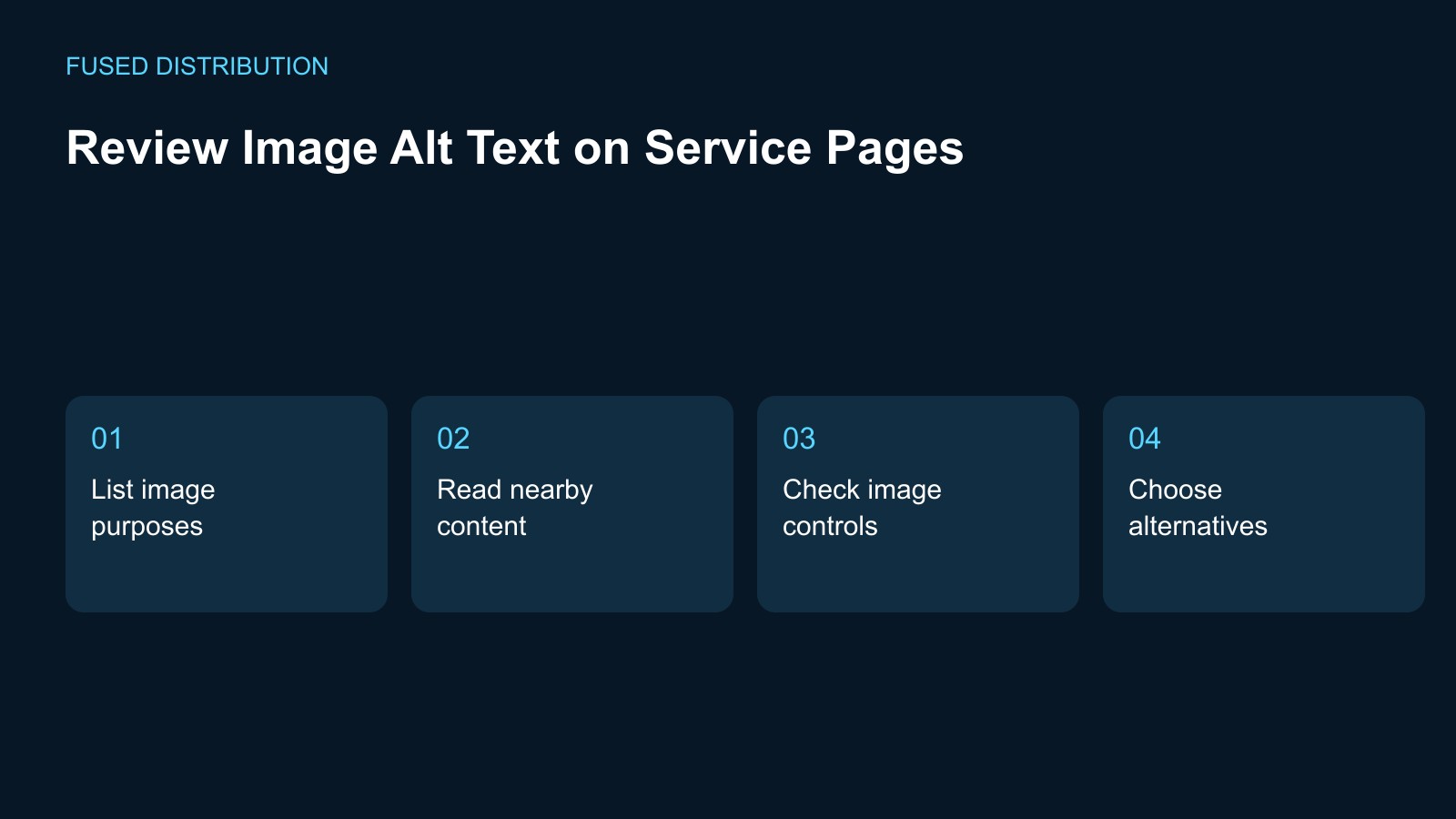
List image purposes → Read nearby content
Check image controls → Choose alternatives
Review alt text by asking what an image contributes in the place where it appears. On a service page, one picture may explain a result, another may link to a booking page, and a third may be decoration beside text that already carries the message. Record that purpose before writing anything. The useful alternative depends on the image and its context, not just on the visible objects.
Make a service page image list
List the images on one service page and note whether each one is informative, functional, decorative, or more complex than a short description can explain. Include icons used as controls and images inside cards. Save a screenshot or file reference to identify each item. Do not assume the same photograph needs identical wording everywhere if it serves a different purpose in another part of the website.
Compare the alternative with nearby content
Read the current alternative beside the heading, caption, and surrounding paragraph. Ask whether it adds the information the image contributes or simply repeats words that are already present. Keep descriptions factual and specific to the actual image. Do not insert an unobserved location, customer identity, or service outcome to make the wording sound more persuasive. Unsupported detail is still unsupported when it appears in alt text.
Check images used as links or controls
For an image that activates a link or button, review what the control does as well as what the picture shows. Ask the developer to check the accessible name in the complete control, including any adjacent text. A visible icon alone may not communicate the intended action clearly. Record the expected destination or action in your issue so the wording and technical implementation can be assessed together.
Handle decorative and complex images deliberately
Use the W3C image decision guidance with your developer when deciding how an image should be represented. Do not fill every decorative asset with an unnecessary description merely to make a checker appear complete. For a diagram with important relationships or data, identify where the fuller explanation will live. A short label cannot carry an entire process when the surrounding page supplies no equivalent information.
Keep the review connected to future edits
After changes, confirm that the intended alternative is present on the actual published page and still matches the image in use. Record who owns future updates when the photograph or its purpose changes. Retain the page context in the review rather than storing a detached list of descriptions. This makes the record useful when a service card is reused or a later redesign changes what the image does.
For related preparation, see our Website link testing. Use the Website change records to connect this check with the wider record.
Source context: W3C accessibility guidance. The checklist above is a suggested working method; record your own observations rather than assuming an outcome.
Related
Read next: Website link testing.