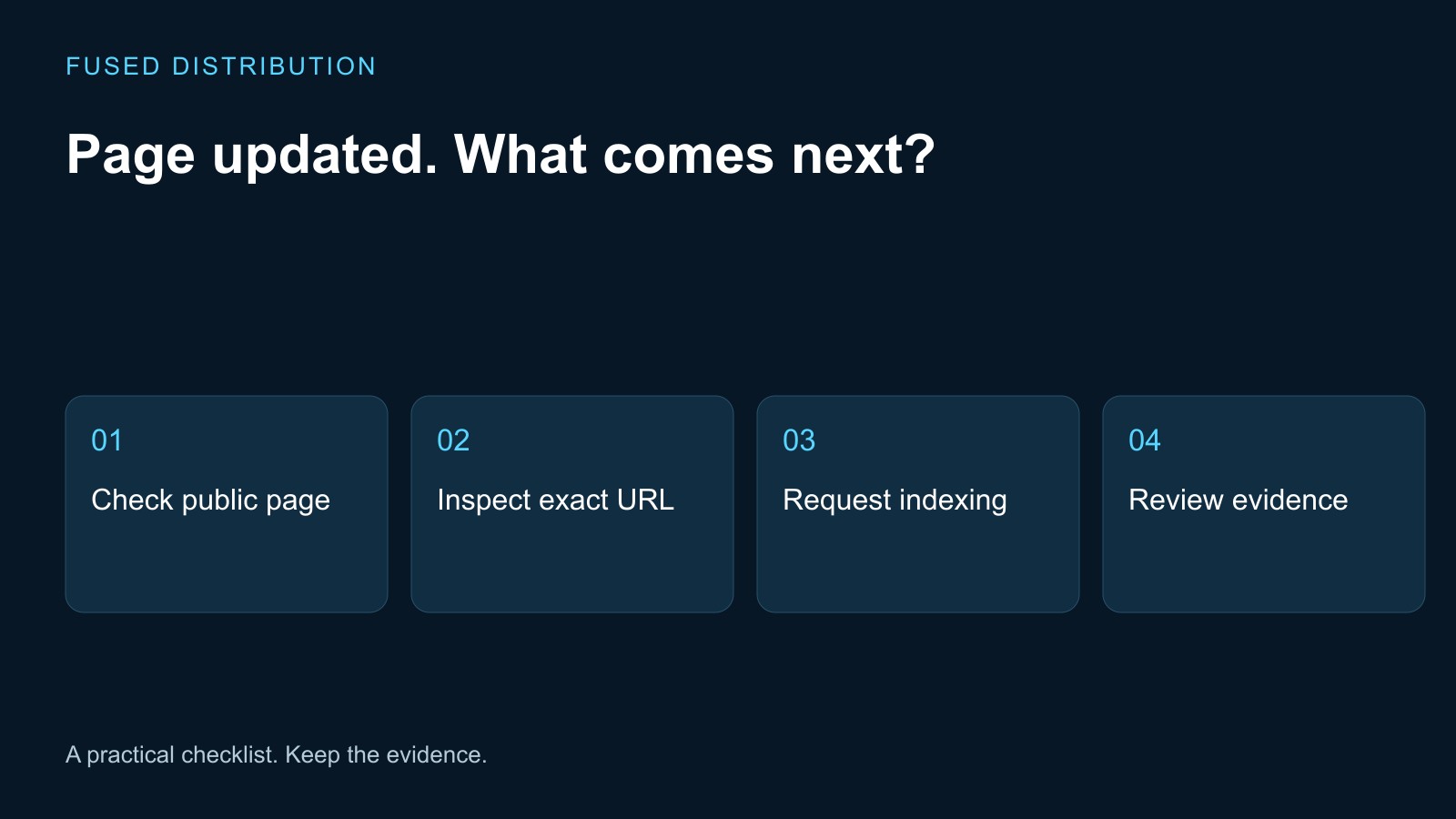
Public copy checked → Inspect the exact URL
Request recorded → Review later search evidence
After updating a service page, confirm the public page contains the finished changes, then use Google Search Console's URL Inspection tool to request indexing for that exact address. Keep the request separate from evidence that Google has indexed the revision. A saved edit in your website dashboard does not establish that the public page has changed.
Verify the updated service page first
Open the public address in a separate browser session. Read the headline, service description, contact details, and main call to action. Compare them with your approved change list. If the old copy is still visible, resolve the publication or caching issue before treating the update as ready for search review.
Record the exact URL you tested, including whether it uses the intended hostname and path. Copy it from the address bar after the page finishes loading. A redirected address can leave you checking a different page from the one you entered. Keep the original and final addresses in your notes if they differ.
Test the business action as well as the text. Open the contact or booking destination without sending a fake customer request. Confirm the next screen is the service or form you intended. Our website link testing guide explains how to record an unexpected path for your administrator.
Inspect the exact address in Search Console
Use the Search Console property that covers the website you manage. Google's recrawl instructions say an owner or full user can request indexing through URL Inspection. Inspect the relevant URL, review the available information, and use Request indexing when the page is ready.
If access is missing, ask the existing property owner to provide appropriate access or handle the request. Do not create a second website or change ownership settings just to get past an access problem. Record who will complete that step and what evidence they should return.
Capture the result shown by the tool, the date, and the inspected URL. A screenshot can support the note, but write the result in text too so the next person does not have to infer it from an image. If the tool reports an issue, preserve its wording and pass it to the person responsible for the website rather than repeatedly clicking the request control.
Separate publication, crawling, and indexing
Use different entries for the public page check and the indexing request. The first records what a visitor can see now. The second records a request to Google. Google's guidance says crawling can take days to weeks and a request does not guarantee inclusion in search results. Repeated requests for the same URL do not speed crawling and are subject to a quota.
That distinction matters when someone asks whether the update is done. You can report that the page is published and tested while search processing remains unconfirmed. Avoid saying the new copy is ranking merely because a request was accepted.
Choose a later review date and a named owner. At that review, record the current Search Console evidence and any remaining issue. Preserve the earlier request date so the team can see what changed. Do not overwrite the log with a single green status that hides whether the result refers to publication, a request, or observed indexing.
Use a change log that supports follow up
A useful record contains the URL, summary of the content change, publication check time, request time, tool result, owner, and next review date. Add the reason for the update, such as corrected hours or a clearer service description. Keep customer details and private account screenshots out of a shared public document.
For example, a business might update the description of an existing repair service without changing its address. The record should identify the revised section and the same public URL. If the address changed too, add that fact and handle the old link separately. The old URL mapping checklist helps organize that additional work.
When several people work on the website, give one person responsibility for the search follow up. Others can verify copy or forms, but duplicate indexing requests add noise to the record. A short shared entry is more useful than several messages saying someone clicked a button.
Close the update with evidence
If many URLs changed, Google's guidance points to submitting a sitemap as a discovery method. For one service page, keep the work focused on that page and its observed result. Do not expand a small content correction into an unplanned site migration.
At follow up, review any outstanding tool issue with your administrator. Confirm that the page still shows the intended content and that the customer action works. If someone changed it again, record the new revision before attributing the current result to the earlier update.
Close the task with a precise status: public content verified, indexing requested, and later search evidence recorded or still awaiting review. Search position and customer enquiries require their own observations. This gives the business a useful completion record without promising a ranking or a timetable that the request cannot guarantee.
Related
Read next: website link testing guide.