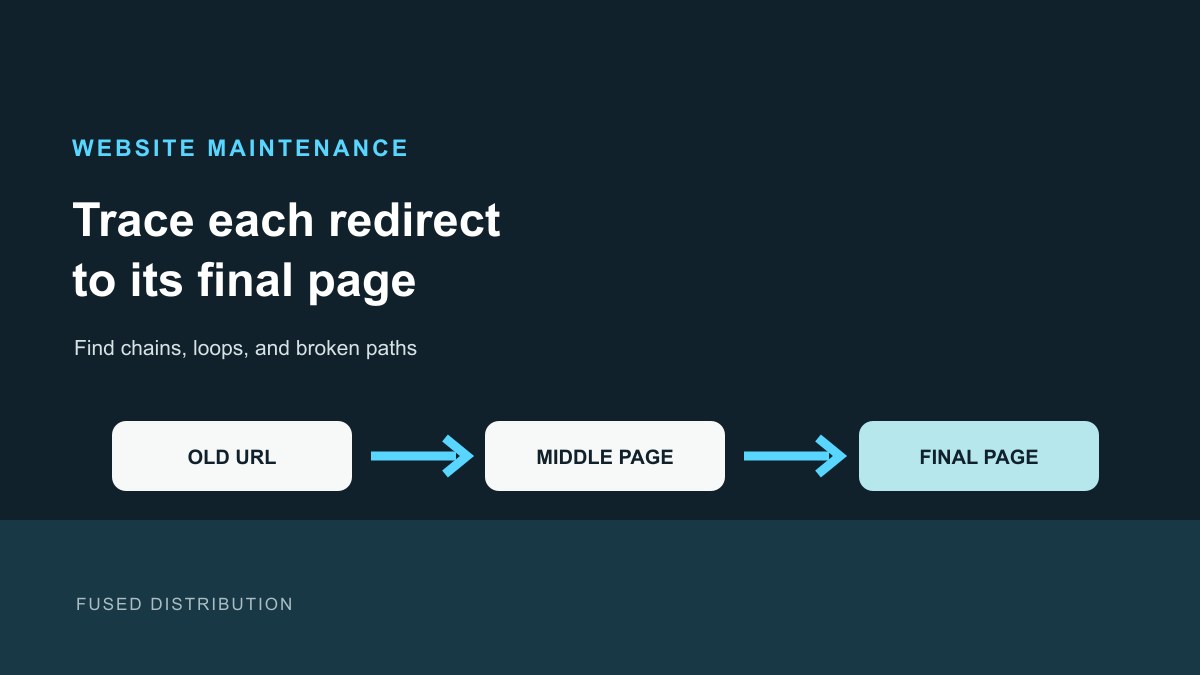
A redirect chain happens when an old website address sends a visitor through one or more intermediate addresses before reaching the page they need. A short path is easier to check and avoids adding unnecessary waits. Use this practical audit to identify old links, record their destinations, and decide what to update with your web administrator.
What is a website redirect chain?
A redirect is a response that sends a browser from one URL to another. A chain looks like Old Page A to Page B to Page C. A loop sends a visitor back through addresses repeatedly, while a broken path may end at an error page or the wrong destination. These are different problems, so write down what the test actually shows instead of treating every failed link as the same issue.
Google recommends mapping old URLs to their corresponding new pages during a site move. It also recommends that each new URL use a self-referencing canonical, that internal links be updated, and that the new URLs appear in a sitemap. Its guidance says to avoid redirect chains and point an old address to the final destination directly when possible. See Google's site move guide and redirect documentation for the technical details.
Start with a short website audit list
List the important pages on your site before testing. Start with links in the main menu, contact and booking pages, service pages, and links you use in emails or printed materials. If you have a sitemap or Search Console access, use those records to find URLs that matter. Google also suggests checking server logs, analytics, and links from other sites when preparing a move.
Make a small table with three columns: old URL, intended destination, and test result. Include the full address, including whether it starts with http or https and whether it uses www. Keep one row for every address you check. Do not put customer information or private account details into a public spreadsheet.
Trace each redirect path
Open an old address in a private browser window or use Google's URL Inspection tool for an individual URL. Record the address you entered and the final page that loads. If your web administrator can inspect the request details, ask them to list each redirect response and its Location destination. A path such as /old-service to /services to /services/repair has an extra step; the preferred end state is usually a direct mapping from the old address to the final relevant page.
Compare the result with your table. A loop often repeats an address or fails to finish. A 404 means the requested page was not found; it is not the same as a working redirect to a relevant replacement. If content was removed or merged, choose a destination that genuinely covers the old page. Do not send a large set of unrelated old links to the homepage, which can confuse visitors and search systems.
Ask for the smallest safe fix
For a permanent move, Google recommends a server-side permanent redirect when technically possible, such as an HTTP 301 or 308. A temporary change may need a different response. The right choice depends on why the URL changed, so have the person who manages your hosting confirm the behavior before editing redirect rules.
Give your administrator the old-to-final URL map and ask them to remove avoidable intermediate hops, correct loops, and keep unrelated pages separate. Then ask them to test a sample of the old URLs and confirm the final destination returns successfully. If you are changing website addresses, also ask them to update internal links, canonical references, and the sitemap to use the new addresses. Do not change the whole site's URL structure just to fix one redirect.
Our guide to mapping old website URLs before a redesign explains how to pair old pages with their new destinations. For a separate kind of customer path, see how to check broken booking links.
Keep monitoring after the change
Retest the URLs from your audit table after the fix. Record the date, final address, and any error. Check important links from menus, contact pages, and booking flows as well as the old URLs themselves. Try the final destination on desktop and phone in a private window; note any login prompt or missing content. This keeps the fix focused on whether a visitor can complete the intended task, not just whether an address responds. Review Search Console and site analytics over time if you have access; a migration can take time to settle, and search visibility may fluctuate while pages are recrawled. A successful redirect test is useful evidence about that request, not a promise of rankings or traffic.
Related
Read next: Map old website URLs before a redesign