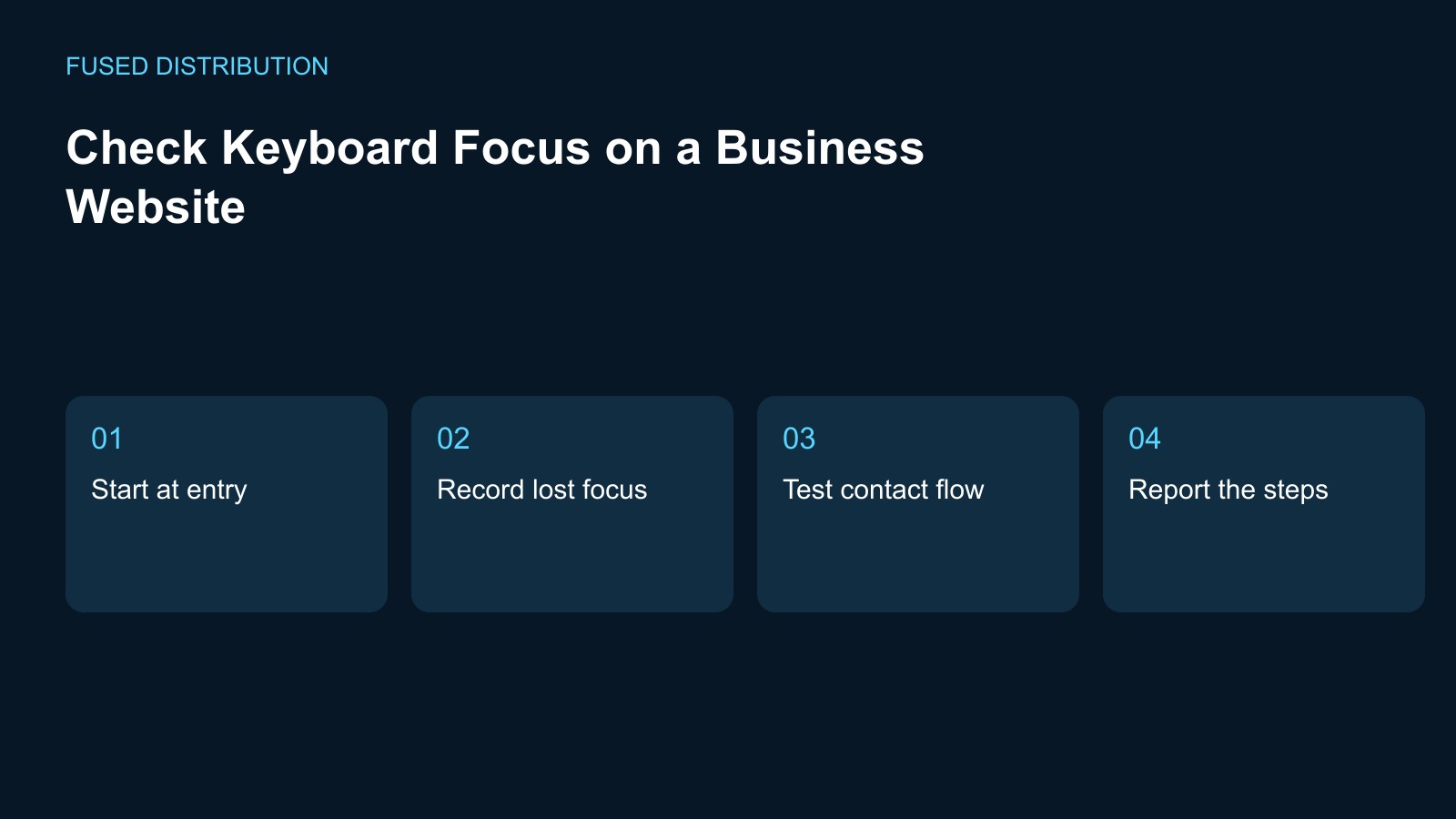
Start at entry → Record lost focus
Test contact flow → Report the steps
Check keyboard focus by following a real task without using the mouse, such as moving from the homepage to the contact form. Record the page, browser, and device you use. The purpose of this first review is to find places where the current control becomes hard to locate. A short test is useful evidence for repairs; it is not a complete accessibility assessment.
Start from the page entrance
Open the page in a fresh browser tab and begin navigating with the keyboard. Watch the visible indication as focus moves between links, buttons, and form controls. If the browser or operating system requires a keyboard navigation setting, record that setting with your test. Do not assume an element is inaccessible until you have confirmed the setup and repeated the same movement carefully.
Record the point where focus disappears
When you lose track of the selected control, stop and write down the last element you could identify. Record the keys used immediately before the problem and whether scrolling changed the visible area. A report that says the menu is broken gives a developer little to reproduce. A short sequence, starting at a named link, is much more useful than a long list of guesses.
Test the contact journey
Follow the route through the menu to a service page and its contact action. Check whether you can identify the selected control after opening a menu or dialog. If the interaction gets stuck, record the exact state rather than using the mouse to silently continue the test. Keep form testing separate from sending a real enquiry, and agree on any submission test with the site owner first.
Give the developer a reproducible report
For each issue, save the starting URL, the movement sequence, the expected control, and what was visible instead. Include a screenshot where it helps show the missing or obscured indicator. Ask the developer to check both the focus styling and the interaction that moved focus. Do not solve the report by removing outlines simply because they differ from the visual design used with a mouse.
Repeat the same route after repairs
Retest from the original starting point after the change is deployed. Check the formerly failing control and the controls immediately before and after it. Keep the first observation and the new result together, with the date and browser. If the result differs between setups, record both. Close the particular repair only when the observed journey works, and keep broader accessibility review as a separate responsibility.
For related preparation, see our Website link testing. Use the Website change records to connect this check with the wider record.
Source context: W3C accessibility guidance. The checklist above is a suggested working method; record your own observations rather than assuming an outcome.
Related
Read next: Website link testing.