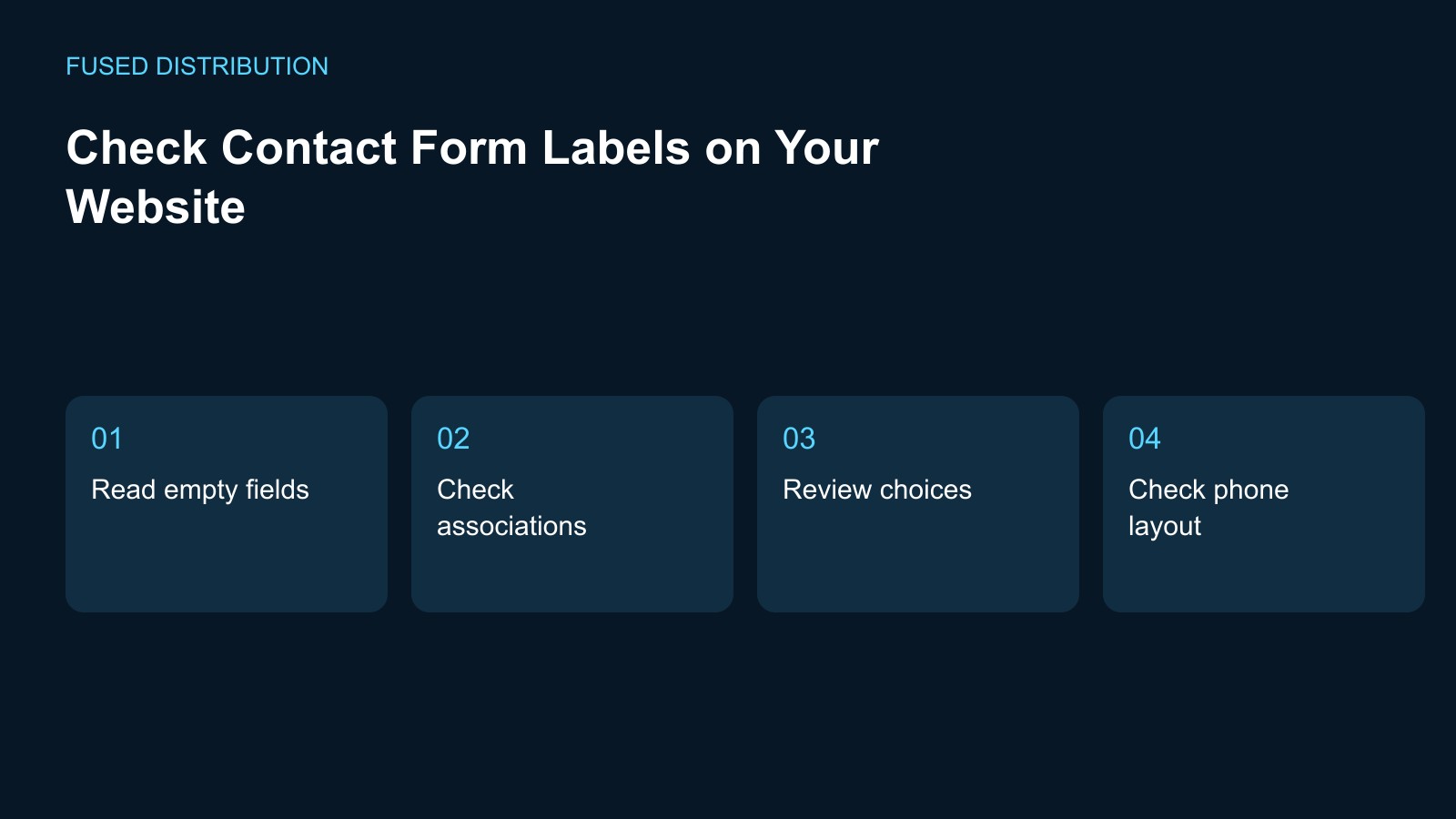
Read empty fields → Check associations
Review choices → Check phone layout
Review contact form labels by making a list of every field, selection, and checkbox a visitor encounters. Include controls revealed after another choice, not just the fields visible when the page first opens. Record the purpose of each control in plain language. The label should help a visitor understand what information is requested without having to infer it from the layout or a sample entry.
Read the form before entering data
Look at the empty form and explain what belongs in each field. Note wording that could mean several things, such as a field called details with no context. Distinguish a visible label from example text inside the field. Enter a harmless sample locally to see whether the explanation remains understandable as you type, but do not submit private information while conducting a routine review.
Check label and control association
Ask the developer to verify that the visible text is associated with the correct form control in the page markup. A label placed beside a field is not enough evidence by itself. Test each label separately, especially in repeated address or contact sections. Keep the wording change and the technical association check in the same issue so one cannot be marked finished while the other remains unresolved.
Review choices and required fields
Read each checkbox and option as an instruction a customer must act on. Check whether required and optional information is understandable before the visitor attempts to submit. If two fields ask for similar information, explain why both are present or ask whether one can be removed. Do not rewrite a consent statement casually as part of a label cleanup; route that wording to its responsible owner.
Inspect the smaller screen layout
Open the form on a phone and check whether the label still appears beside the intended control after the layout changes. Long instructions should remain readable without covering another input. Look at fields that appear after a selection and confirm they have their own meaningful labels. Record the screen and interaction that expose a problem so the developer can reproduce that state instead of testing only the initial view.
Close with a field by field check
After repairs, use the original field list and record the final wording and observed behavior for each item. Ask the developer to confirm any technical association that cannot be established by visual inspection. Keep the test results with the page update, and repeat them when the form changes. A label review improves one part of the experience; it does not establish that every accessibility or submission issue is resolved.
For related preparation, see our Website link testing. Use the Website change records to connect this check with the wider record.
Source context: W3C accessibility guidance. The checklist above is a suggested working method; record your own observations rather than assuming an outcome.
Related
Read next: Website link testing.