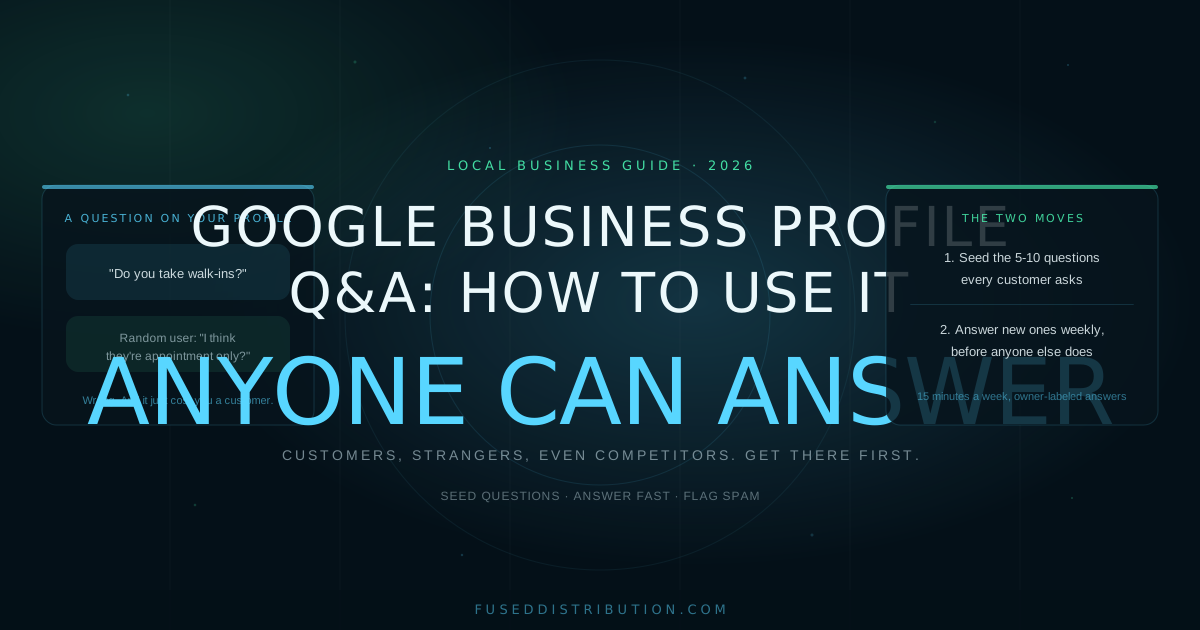
The Q&A section on your Google Business Profile has one rule that changes everything: anyone can answer questions about your business. Past customers. Strangers guessing. Even competitors. If you ignore it, the public answers for you, and the public gets things wrong. Google Business Profile Q&A, and how to use it well, comes down to two moves: seed the questions customers always ask, and answer new ones before anyone else does.
This piece covers exactly that. If your profile basics are still rough, fix those first with our Google Business Profile optimization guide, because Q&A builds on a solid foundation.
Why the Q&A Section Matters
Q&A sits directly on your profile in Maps and local search, right where people compare you against two competitors. Someone with a question is close to buying. Pricing, availability, service area: these are the last doubts before a call.
The numbers back up how much weight the profile carries. BrightLocal found 64 percent of consumers use a Business Profile to find contact details. Google's own data shows 76 percent of people who search for a local business visit one within 24 hours. The person reading your Q&A today is in your area, comparing options, ready to act.
Now the uncomfortable part. Questions on most profiles sit unanswered, or worse, answered by random users. A stranger answering "do they take walk-ins?" with "I think they're appointment only" costs you walk-ins whether it is true or not. An unanswered question costs you too: the customer leaves and asks your competitor instead.
Seed Your Own Questions and Answers
Here is the move most businesses never make: you can ask and answer questions on your own profile. Google allows it. It is not a loophole, it is the intended use, and it turns Q&A into a public FAQ that shows up in local search.
Post the 5 to 10 questions every customer asks on the phone:
- "Do you serve [specific neighborhood or suburb]?"
- "Do you offer emergency or same-day service?"
- "What do you charge for [your most common job]?"
- "Do I need an appointment, or do you take walk-ins?"
- "Is there parking?" or "Do you come to me?"
Answer each one clearly, in one to three sentences, signed in by the business account so the answer carries the owner label. Now the customer with that exact question gets the right answer instantly, at the moment they are choosing who to call. You answered the phone before it rang.

How to Answer Questions the Right Way
Seeding handles the predictable questions. New ones still arrive, and how you handle them decides whether Q&A keeps working for you.
- Answer fast. Check Q&A weekly at minimum. Notifications are unreliable, so put it on the same calendar slot as your review responses. An answer within a day usually beats a stranger to it.
- Answer first, even when a user already replied. Your answer carries the business owner label. Post the correct information and the wrong answer loses its authority.
- Be direct, skip the pitch. "Yes, we serve Riverside and book most jobs within 48 hours" answers and sells at the same time. A paragraph of marketing does neither.
- Flag spam and wrong answers. You cannot delete other users' answers, but you can report ones that break Google's content policy. Do both: flag it and post the correct answer.
- Upvote your best Q&As. Questions and answers with upvotes rise to the top of the section. Ask happy customers to upvote the useful ones.
One warning: never stuff answers with keywords or fake enthusiasm. People read Q&A to settle a doubt. Plain, specific answers settle doubts. Marketing copy creates them.
Keep the Rest of the Profile Working
Q&A converts best on a profile that already looks alive. Three basics carry most of the weight.
Consistent name, address, and phone. Your NAP should match everywhere it appears online. Mismatches make Google trust the listing less and make customers second-guess the phone number.
Accurate categories and service areas. Pick the categories that match your actual work and list only areas you really serve. Q&A answers about service area should agree with the profile settings.
Real photos, current hours. Photos of actual jobs and an hours listing you update on holidays. Half the questions people ask are already answered by a well-maintained profile. If customers keep asking questions better suited to a conversation, turn on chat too: our GBP messaging guide covers that setup.

The profile is a living document. Fifteen minutes a week on Q&A and basics keeps it accurate, and accurate profiles get the call.
Frequently Asked Questions
Sources
- Google, "About Q&A on your Business Profile," Business Profile Help, retrieved 2026-06-11, support.google.com
- BrightLocal, "Local Consumer Review Survey 2024," retrieved 2026-06-11, brightlocal.com
- Google Consumer Insights, "Micro-Moments: Know When to Act," Think with Google, retrieved 2026-06-11, thinkwithgoogle.com