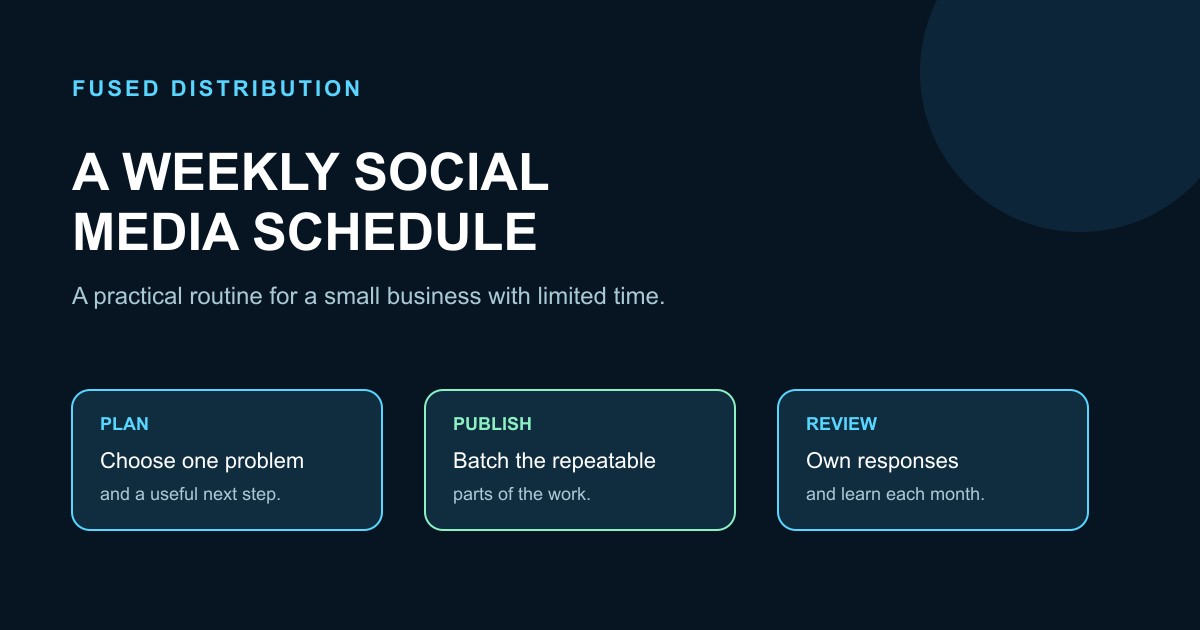
A useful social media schedule is a service routine, not a promise to publish everywhere every day. Small businesses usually have limited time, so the schedule should protect customer work first, make publishing repeatable, and create a clear way to learn what deserves more attention. Start with the people you want to help, choose a few repeatable formats, and assign each task to a realistic block of time.
Start with the job the schedule must do
Decide what social activity should support. A schedule might help people understand a service, remember a local business, ask a question, book an appointment, or return for another purchase. Pick one primary job for the next month. If every post has a different purpose, the calendar becomes a list of disconnected ideas.
Write a simple audience statement: “We help [customer] with [problem] when [situation].” Use ordinary language from customer questions, intake calls, support messages, and sales conversations. Do not build a content plan around a vague goal such as “go viral.” A specific reader and a useful next step make planning easier.
Choose a schedule your capacity can keep
Count the hours you can protect in a normal week after delivery, sales, and administration. Then reserve a small share for social work. A schedule that requires a perfect week will fail when a project runs late. It is better to publish two useful pieces consistently than to plan seven and miss five.
Use three levels of capacity. At the minimum level, keep one helpful post and one customer response block. At the normal level, add a second helpful post and a short reuse task. At the high level, add a third post or a live conversation only when service work is covered. These levels let the calendar bend without disappearing.
Build a small set of repeatable formats
Choose formats that match material you already create. A short answer can become a text post or a talking point. A project step can become a photo with a useful explanation. A frequently asked question can become a short demonstration. A customer story can become a lesson after you have permission and removed private details.
Give each format a job. Teach one practical step, show how your process works, answer a concern, explain a choice, or invite a conversation. A format is useful when someone else on the team could understand the assignment without guessing what “make content” means.
A concrete weekly plan
The following is an illustrative weekly plan for a small service business with about three hours available, not a tested optimum. Adjust the days to match opening hours and customer demand.
Monday is a 35-minute planning block. Review questions from the prior week, choose one customer problem, and write a short outline. Select one supporting photo, example, or process detail. Add the intended next step, such as replying with a question or using the booking link.
Tuesday is a 25-minute creation block. Turn the outline into one clear post. Remove claims you cannot support and check that the wording sounds like the business. Save the source text in a shared folder so it can be reused later.
Wednesday is a 20-minute response block. Reply to genuine questions, record repeated confusion, and route a sales or service issue to the right person. If a question needs a private conversation, say so and provide the correct contact path.
Thursday is a 30-minute reuse block. Adapt Tuesday’s idea into a different format or a second channel when the material still fits. Change the opening and example so it reads naturally. Do not copy a post blindly when the audience or context requires a different explanation.
Friday is a 25-minute review block. Record what was published, the questions it produced, useful conversations, and the next action people took when that can be observed. Choose one adjustment for the following week. The remaining time is a buffer for a customer story, an urgent update, or a missed task.
Batch the work without flattening the voice
Batching reduces setup time. Keep a running list of customer questions, then group similar work into one session. Draft several openings, gather images in one pass, or prepare a few response templates. Leave room for the final post to reflect what customers are asking now.
Use a simple content record with the topic, audience, format, draft, link, approval status, publish date, and follow-up owner. Separate a draft from an approved post. A calendar should show who checks facts, who handles replies, and what happens when a post needs correction.
Reuse ideas with editorial judgment
One useful idea can support several pieces. A post explaining how to prepare for an appointment can become a checklist, a short answer to a question, and a reminder sent before the next visit. Keep the central advice consistent, but adjust the lead, length, example, and call to action for the new use.
Reuse customer language carefully. Remove names, addresses, order details, and any information that could identify someone unless you have clear permission. A real question can guide a post without becoming a public case study. If a detail is uncertain, ask the customer or leave it out.
Make response handling part of the schedule
Publishing creates work after the post goes live. Assign response windows that fit the business, such as a short check during open hours and a longer block on a quieter day. Set expectations internally for who answers product questions, booking requests, complaints, and safety concerns.
Do not let a public thread become a substitute for private support. Acknowledge the issue, avoid exposing personal details, and move the conversation to the proper route. Record the resolution so the same question can improve a future post or an internal checklist. If nobody owns replies, reduce publishing until someone does.
Measure learning instead of chasing vanity numbers
Track a small set of measures connected to the job you chose. You might record qualified inquiries, completed bookings, repeat questions, saves or shares when available, response time, and unsubscribes from a linked list. Define each measure in plain language and use the same definitions each week.
Review patterns over a month rather than declaring a winner from one post. Note the topic, format, effort, response quality, and next action. A post that produces a thoughtful question may be useful even when it receives little visible reaction. A popular post may still be a poor fit if it brings requests the business cannot serve.
Keep a recovery plan for busy weeks
Create a minimum schedule for holidays, emergencies, or a full order book. Keep one approved evergreen explanation, one customer help post, and a response owner ready. Pause a planned post when the information is outdated or the business cannot answer the likely questions. Rescheduling is part of editorial quality.
At the end of each month, keep what the team can maintain, remove tasks nobody uses, and choose one experiment. Change one variable at a time, such as the format, the example, or the next step. Write down the date, audience, effort, and result so the next decision has a useful record.
The best small business schedule is easy to see, easy to staff, and useful to customers. Protect service capacity, publish from real questions, batch the repeatable parts, leave room for timely replies, and review the evidence before adding more work.
For help choosing the topic, use our small business content ideas. If the schedule supports returning customers, connect it to a repeat customer follow-up routine.