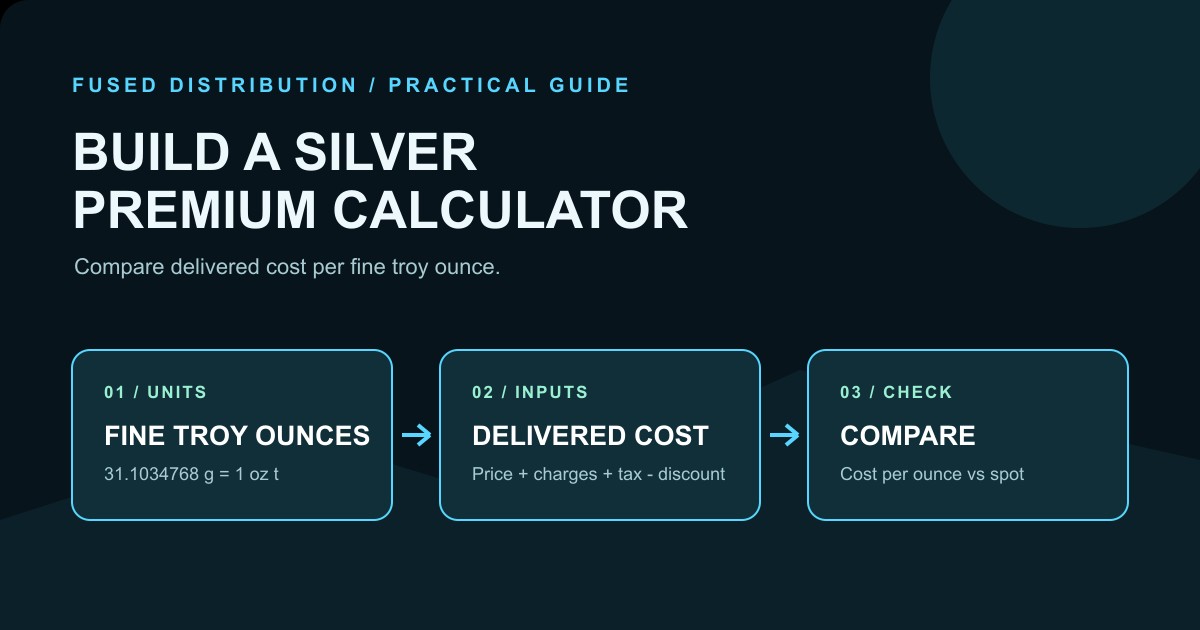
If you buy physical silver, the number that matters is the delivered cost per troy ounce, rather than a product label that says “low premium.” A small calculator can make that cost visible. This guide shows how to build one in a spreadsheet, check each formula, and compare products using the same unit. The examples are hypothetical arithmetic for learning. They are not live quotes, forecasts, or recommendations.
What a silver premium calculator measures
A premium is the amount paid above a reference spot price. For a simple comparison, define the item price, the number of fine troy ounces, and any charges that belong to the purchase. The calculator then returns the delivered cost per fine troy ounce and the premium percentage.
Use these formulas:
All-in lot cost = lot item price + shipping + insurance + payment fee + actual tax + other purchase charges - discounts
Cost per fine troy ounce = delivered cost ÷ fine troy ounces
Premium dollars per ounce = cost per fine troy ounce - spot price per ounce
Premium percentage = premium dollars per ounce ÷ spot price per ounce × 100
Keep the reference price and the purchase quote tied to the same currency, time, and unit. A calculator cannot make two mismatched quotes comparable.
Start with a clear spreadsheet layout
Create one row per quote and use these columns: Date, Seller, Product, Quantity, Gross grams per item, Fineness, Fine grams per item, Fine troy ounces per item, Item price for the full lot, Shipping, Insurance, Payment fee, Actual sales tax, Discount, All-in delivered cost, Spot price per troy ounce, Cost per fine troy ounce, Premium dollars, and Premium percentage.
Put units in the headers. “Gross grams” is the mass of the complete item. “Fine grams” is the estimated mass of pure silver. “Fine troy ounces” is the comparison unit used by the price formula. Do not mix a regular household ounce with a troy ounce. NIST lists a troy ounce as 31.1034768 grams, while an avoirdupois ounce is 28.349523125 grams. Precious metal quotes commonly use the troy unit.
For a product with a certified one-troy-ounce fine content, you can enter 1 in Fine troy ounces. Do not assume that a generic “one ounce” .999 label means exactly one fine troy ounce. For a general item, calculate fine grams first and then divide by 31.1034768.
Calculate fine metal content
Fineness is the mass fraction of silver written as a decimal. A .999 item has a fineness of 0.999. If a round weighs 31.2 grams and is marked .999, the fine gram formula is:
31.2 × 0.999 = 31.1688 fine grams
Then convert to troy ounces:
31.1688 ÷ 31.1034768 = 1.0021 fine troy ounces
In a spreadsheet, if gross grams are in E2 and fineness is in F2, use =E2*F2 for Fine grams. If Fine grams are in G2, use =G2/31.1034768 for Fine troy ounces. If the seller provides a certified fine weight, record that source and use it instead of estimating from a generic product description.
Add every purchase charge once
The calculator should show the charges that change the amount paid. Add shipping, insurance, payment fee, and actual sales tax when they apply. Subtract a discount once. The formulas below use an all-in delivered cost, so enter tax when it is part of the quote. If tax is unavailable, label the result an ex-tax subtotal and do not call it delivered cost.
Assume actual sales tax is zero for this example. Suppose a hypothetical item costs $34.50, shipping is $6.00, insurance is $0, and a card fee is $1.22. The delivered cost is $34.50 + $6.00 + $1.22 = $41.72. If a $2 discount applies, the result becomes $39.72. The arithmetic is simple, but writing each input separately prevents a shipping charge from disappearing into a vague “premium.”
Use a consistent spot price input
Enter the reference spot price in the same currency per fine troy ounce. Label the date and source beside it. For a hypothetical example, use $30.00 per fine troy ounce as a teaching input. That number is not a current market claim.
If the item contains 1.0021 fine troy ounces and the delivered cost is $39.72, the cost per fine troy ounce is 39.72 ÷ 1.0021 = 39.64 dollars, rounded to cents. The premium is 39.64 dollars minus 30.00 dollars equals 9.64 dollars per fine troy ounce. Using full precision before display rounding, the premium percentage is about 32.12%.
The percentage is meaningful only because the spot input, fine weight, and delivered cost use matching units. Rounding fine weight too early can distort small purchases, so keep more decimal places in the calculation and round only the displayed result.
Build spreadsheet formulas safely
Assume columns are arranged as follows: D is Quantity, G is Fine grams per item, H is Fine troy ounces per item, I through N are lot item price, shipping, insurance, payment fee, actual tax, and discount, O is All-in delivered cost, P is Spot price, Q is Cost per fine troy ounce, R is Premium dollars, and S is Premium percentage.
Use =G2/31.1034768 in H2. Use =SUM(I2:M2)-N2 in O2. This is an all-in lot total because I2 is the price for the full lot. Use =O2/(H2*D2) in Q2. Use =Q2-P2 in R2. Use =R2/P2 in S2 and format S as a percentage. Add an error check such as =IF(OR(D2<=0,H2<=0,P2<=0),"CHECK INPUTS","") so blank or zero values do not produce a misleading result.
This guide uses one explicit price basis: item price is the lot total. Do not multiply the lot price by quantity. Total fine troy ounces are always fine troy ounces per item multiplied by quantity. If a source quote is per item, convert it to a lot total before entering it and keep the original basis in notes.
Test the calculator with known arithmetic
Before entering real quotes, create a test row. Use quantity 2, fine weight 1 troy ounce per item, item price 70 dollars for the lot, shipping 5 dollars, insurance 0, fee 0, actual tax 0, discount 0, and spot 30 dollars. All-in delivered cost is 75 dollars. Total fine weight is 2 troy ounces. Cost per ounce is 75 ÷ 2 = 37.50 dollars. Premium dollars are 37.50 dollars minus 30.00 dollars equals 7.50 dollars. Premium percentage is 7.50 ÷ 30.00 = 25%.
For a tax check, keep the same lot but enter 6 dollars actual tax. All-in delivered cost becomes 81 dollars and cost per ounce becomes 81 ÷ 2 = 40.50 dollars. If tax is unknown, report 75 dollars as an ex-tax subtotal rather than an all-in delivered cost.
Create a second test for fineness: 31.2 gross grams at .999 fineness. The expected fine weight is 31.1688 grams and 1.0021 troy ounces, subject to display rounding. If the sheet returns 1.073 ounces, it is probably using the 28.35 gram avoirdupois conversion by mistake.
Compare quotes without hiding uncertainty
A calculator organizes inputs; it does not verify a seller’s description. Preserve the product page, invoice, timestamp, currency, and stated weight with the row. If a product’s weight or fineness is unknown, leave the field blank and label the result “incomplete.” Do not replace an unknown value with one ounce because that makes the sheet look complete.
Compare like with like when possible: the same fine weight, product type, payment method, delivery terms, and tax treatment. A collectible coin may have a different purpose and resale market from a generic bar. The calculator can show cost differences, but it cannot decide whether a product’s design, liquidity, storage, or condition fits your needs.
Common spreadsheet errors
The most common error is confusing gross weight with fine weight. Another is comparing a per gram quote with a per troy ounce spot price. A third is counting a discount twice, once in the item price and again in a discount column. Watch for text formatted as numbers, hidden shipping charges, and formulas copied from a row with a different price basis.
Use conditional formatting to flag negative premiums, missing sources, zero fine weight, and a spot price entered in the wrong currency. Keep the original quote unchanged in a notes column. That audit trail makes a later correction explainable.
A practical review checklist
Before relying on a row, check the seller, date, currency, product quantity, gross weight, fineness, fine troy ounces, delivered charges, spot source, and price basis. Recalculate one row by hand. Confirm that the formula references the intended row. Save a dated copy when prices or terms change.
For more context, read Silver Premiums Explained For Beginners and How To Calculate Your Average Cost Per Ounce Silver. If you are tracking multiple purchases, How To Build A Silver Inventory Spreadsheet covers inventory fields that can complement this calculator.
Related
- Silver Premiums Explained For Beginners
- How To Calculate Your Average Cost Per Ounce Silver
- How To Build A Silver Inventory Spreadsheet
Read next: How To Calculate Your Average Cost Per Ounce Silver