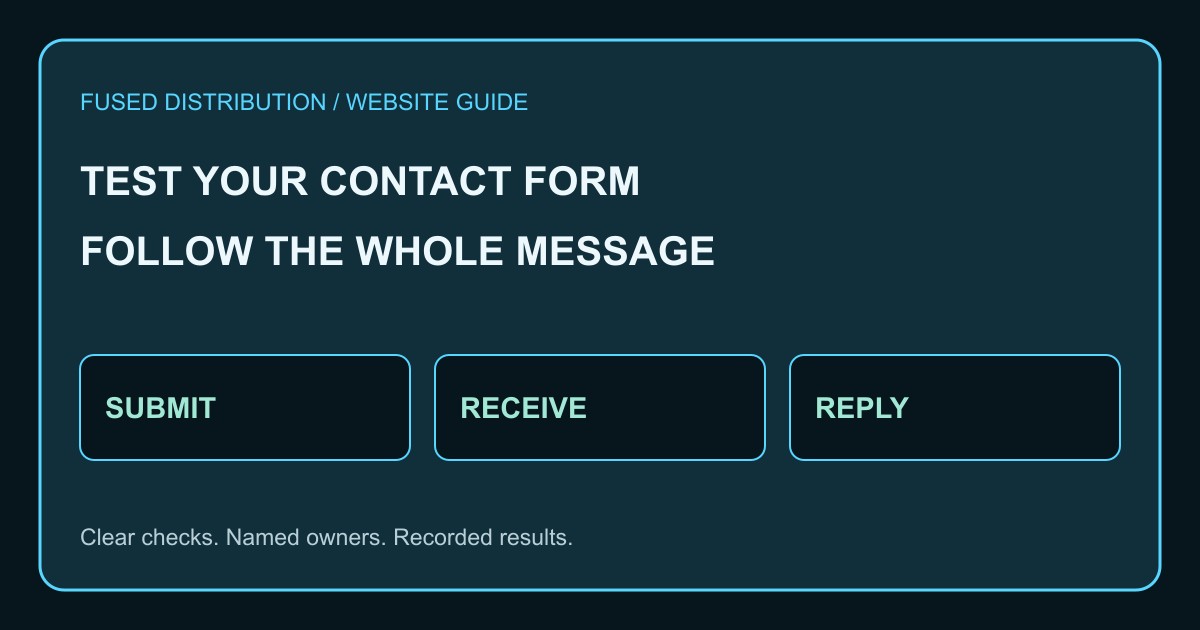
A contact form test is complete when a message reaches the right person and that person can reply. A confirmation on the website checks only one part of that journey. Use a small monthly test record to make the whole path visible.
Choose a contact form test owner
List every form that accepts an inquiry, including contact pages, quote requests, and campaign pages. Assign someone to perform the test and someone to receive it. Use a test address you control, a harmless sample message, and a unique reference so the team can identify it.
Submit from a customer view
Open the live page on a phone and a desktop browser. Read each label, enter valid information, and submit once. Record the page address and time. Check whether the confirmation explains what happened and what to expect next, without promising a response time the business cannot meet.
Test errors without losing the message
Try an empty required field and an incorrectly formatted email address. Check that the error identifies the field and explains how to correct it. Use the keyboard to move through the form. Confirm that correcting an error does not erase a message the customer already typed.
Confirm contact form delivery
Find the test message in the intended inbox or lead system. Compare its reference, sender address, service selection, and message with what you submitted. Check spam and quarantine if it is absent. A website success screen alone does not establish that notification delivery worked.
Reply and inspect the destination
Reply from the mailbox your team normally uses, then confirm the reply arrives at your test address. Pay attention to the reply destination: a form can notify staff correctly but still point replies at a system address. Record any missing fields that would prevent useful follow up.
Retest after the repair
If a test fails, keep the reference and identify the failed stage before changing settings. Retest the same path after the repair and save the result. Repeat after changes to forms, email routing, spam protection, or the website platform, rather than waiting for the next monthly check.
A practical working record
For a busy business, start with its main inquiry form and then cover the remaining entry points. Keep test messages out of sales reporting where your tools permit it, and label them clearly so staff do not treat them as real prospects. Never put a real customer record into a diagnostic message. An automated monitor can check availability or perform an authorized test submission, but it still needs a defined expected result and a destination someone monitors. A page loading successfully is a weaker signal than a message reaching the intended workflow.
Source and next steps
W3C explains that forms should communicate success and provide clear feedback about errors. The monthly delivery and reply checklist above is our practical operating suggestion. Read the primary guidance.
Use our website speed guide when checking page performance. For a repeatable review routine, see our small business publishing schedule.
Make the record useful for the next person. Include the form address, device, test reference, submission time, receiving mailbox, reply result, and repair owner. Which stage of your contact form needs attention today? Check it with a harmless test before assuming every inquiry is reaching you.
Related
Read next: Website speed and local business.