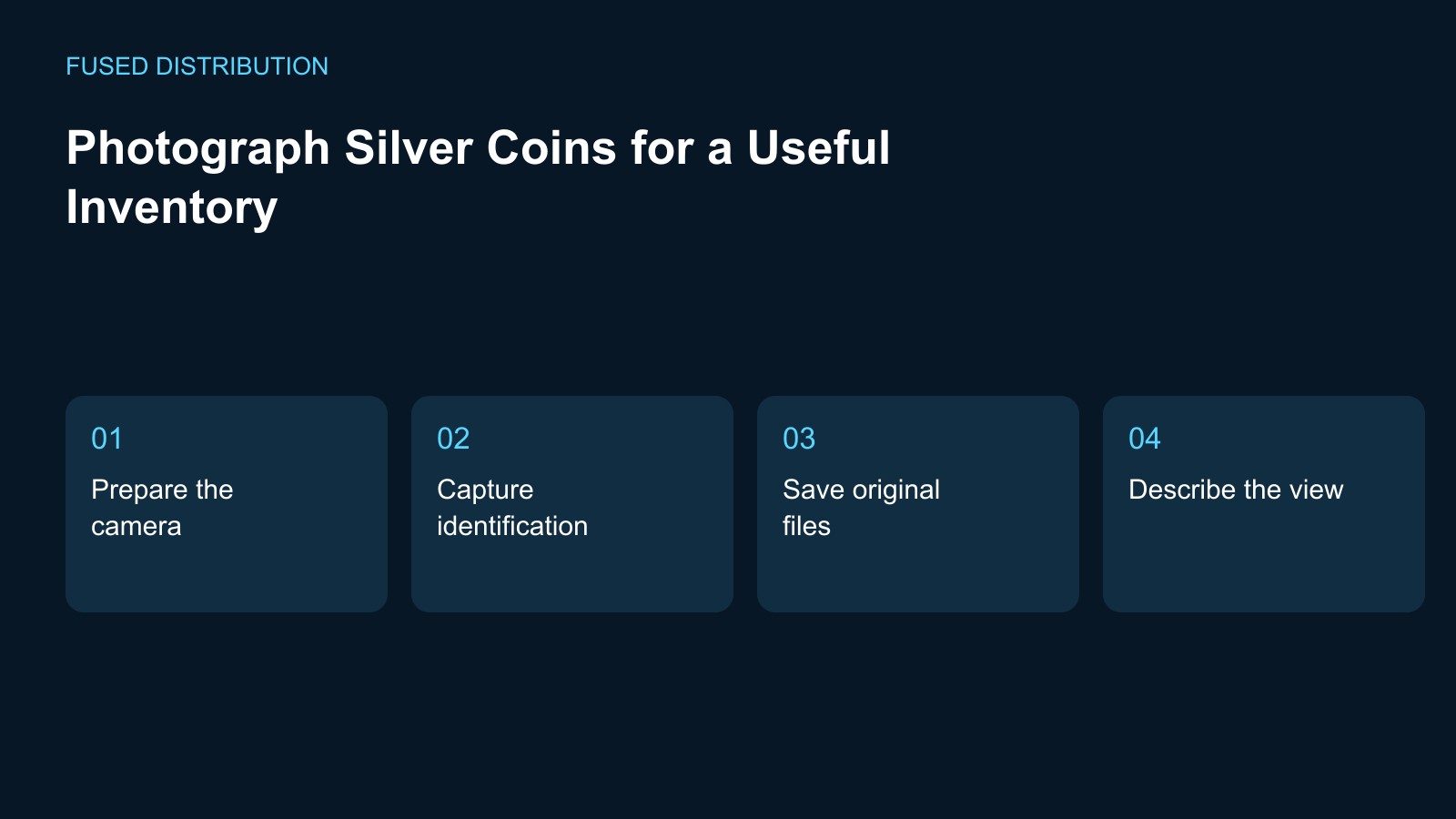
Prepare the camera → Capture identification
Save original files → Describe the view
Photograph a silver coin for your inventory by connecting every image to a specific record before you begin. Decide what you need to document, such as the visible design, holder label, or packaging. Keep the coin in its protective holder when that lets you complete the task. An inventory photograph records what you could see; it does not certify authenticity, assign a grade, or establish a sale value.
Prepare silver coin inventory photographs
Prepare a stable surface and suitable lighting, then check the camera framing with the holder in place. Move unrelated coins and private paperwork out of the picture. If glare prevents a clear view, change the lighting or camera position before adding another handling step. Record that an area remains obscured if you cannot show it clearly. Do not remove protection just to make an image appear more polished.
Capture identification and visible detail
Take a record view that connects the item with its inventory ID, followed by separate views of the sides when practical. Keep the label beside the holder or in a separate reference frame instead of attaching it to the coin. Check each image before moving on to another item. A blurred photograph named correctly is still a weak record, so confirm that the detail you intended to capture is actually visible.
Name and retain the original files
Use a consistent filename that contains the inventory ID and a view description. Keep the capture date with the record and retain the original files separately from versions prepared for sharing. Avoid overwriting the only original when cropping or resizing. If several coins look similar, compare the holder information with the inventory before saving the images into a folder. Correct a mismatch before it spreads into later records.
Separate description from interpretation
Write a short note explaining what the photograph shows and any limit on the view. For example, distinguish a visible mark from a reflection you could not resolve. Do not infer when a feature appeared solely from a new photograph taken under different lighting. When comparison matters, keep the setup as consistent as practical and preserve both images rather than replacing the older one with a cleaner looking version.
Review the saved inventory entry
Before putting the equipment away, open the inventory entry and confirm its images can be found. Check the ID, filenames, storage location, and note about the view. Keep any shared copy free of sensitive collection or security information. Back up the record independently of the camera or phone. A useful photo session finishes with a retrievable entry, not just a group of images left in a device gallery.
For related preparation, see our Silver storage guide. Use the Silver invoice checklist to connect this check with the wider record.
Source context: U.S. Mint collection care guidance. The checklist above is a suggested working method; record your own observations rather than assuming an outcome.
Related
Read next: Silver storage guide.