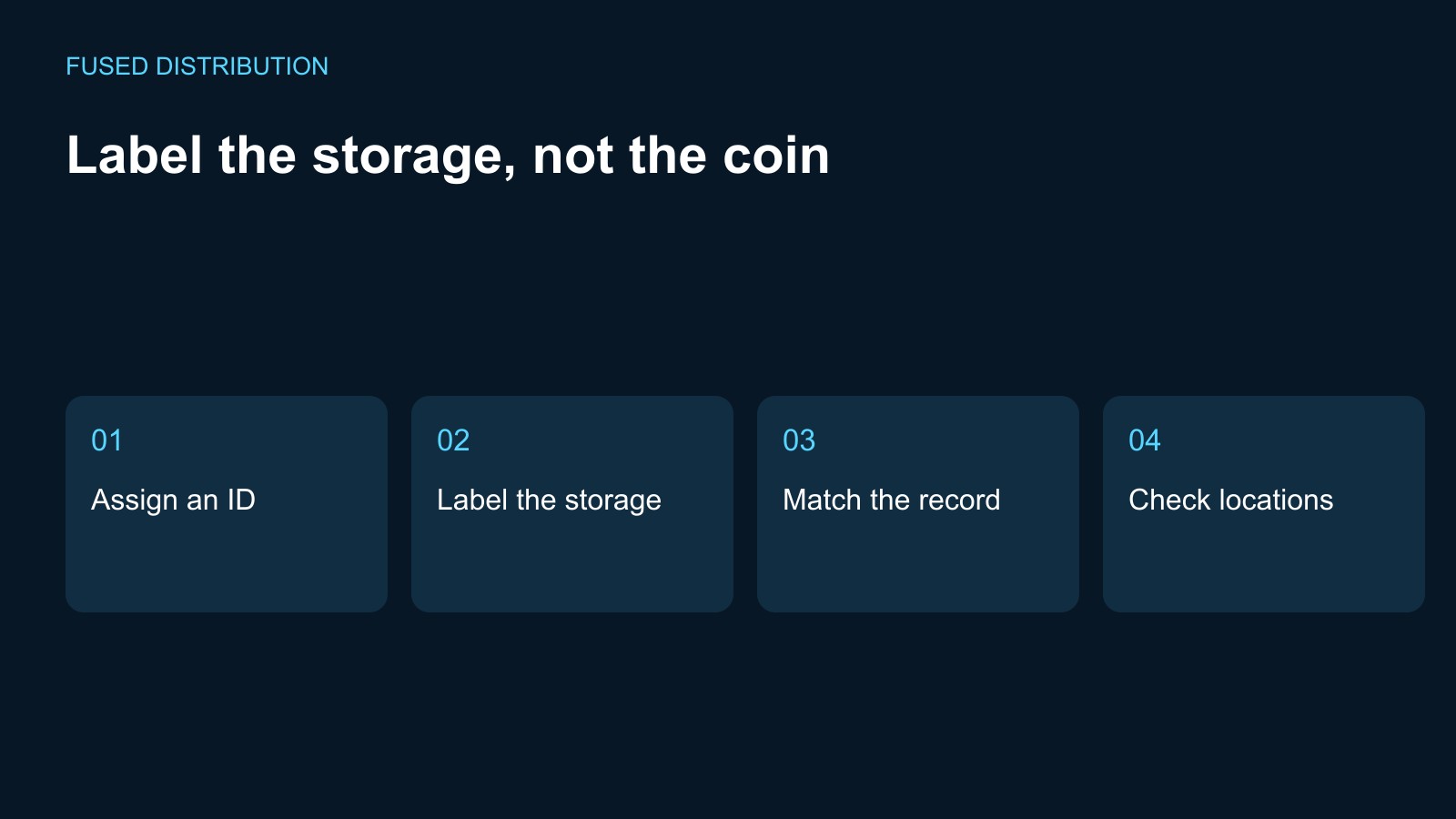
Assign an ID → Label the storage
Match the record → Check locations
If you want to find a particular silver coin quickly, label the storage around it rather than the coin itself. A simple ID on a coin box, tray, or separate inventory card can connect the physical location to your records while leaving the coin and its holder alone.
Start with a short inventory ID
Give each coin or group a unique code, such as S-001. Put the code in your inventory and on a separate card or the outside of the storage box. For a group of coins, assign each coin its own ID and record which compartment contains it. Keep the code descriptive enough to distinguish similar items, but leave sensitive details such as safe combinations out of the label.
Keep labels off the coin and its holder
Do not attach a sticker to the coin. Keep labels, adhesive, ink, and other marking materials away from the coin and its holder. Put a paper tag in a box index, attach it to the outside of a larger storage container, or use a divider card beside the holder. For a certified coin, record the certification number in your inventory and label the storage position instead of covering the holder's printed label or security features.
When you need to inspect a coin, leave it in its original capsule or holder if possible. The U.S. Mint advises collectors to handle coins by the edge, use soft cotton gloves, and avoid cleaning coins because brushing can scratch them. It also recommends protective holders and warns against soft plastic holders containing PVC. These are good reasons to make identification part of the storage system rather than a reason to open or mark a holder.
Make a matching digital record
Keep one inventory row for each ID. Useful fields include the ID, a plain description, the holder or certification number when present, the box and compartment, and the date you last checked the record. A spreadsheet is enough for a small collection. If you use a QR code, print it on a separate card or the outside of the container and link it to the same inventory record; treat the code as a shortcut, not as proof of authenticity or ownership.
Avoid putting a detailed, public inventory on a link that anyone can scan. If you store location or value information digitally, restrict access to that file and keep a separate backup.
Use color as a visual aid
Color can help distinguish boxes or broad groups, but do not make it the only identifier. Pair every color with a written ID so the system still works if a tag fades, a box moves, or someone else needs to read the inventory. Use removable dividers or cards that do not contact the coin itself.
Check the system without handling the coins
Periodically compare the box labels with the inventory and update the compartment field when a holder moves. If a record does not match, correct the record after checking the label and holder information. Do not remove a coin from its holder just to make the inventory easier to read. For questions about a coin's holder or condition, ask a qualified coin professional.
Sources
- United States Mint, Caring for Your Coin Collection: original holders and protective alternatives; acid-free, PVC-free holder guidance.
- United States Mint, Get Started Collecting Coins: handling by the edge, soft cotton gloves, avoiding cleaning, and keeping coins in protective cases.
- PCGS, Handling and Storage: the role of handling and storage and cautions about PVC holders.
For the broader storage setup, see our silver storage guide. Keep the purchase paperwork connected using the silver invoice checklist.
Related
Read next: Silver storage guide.