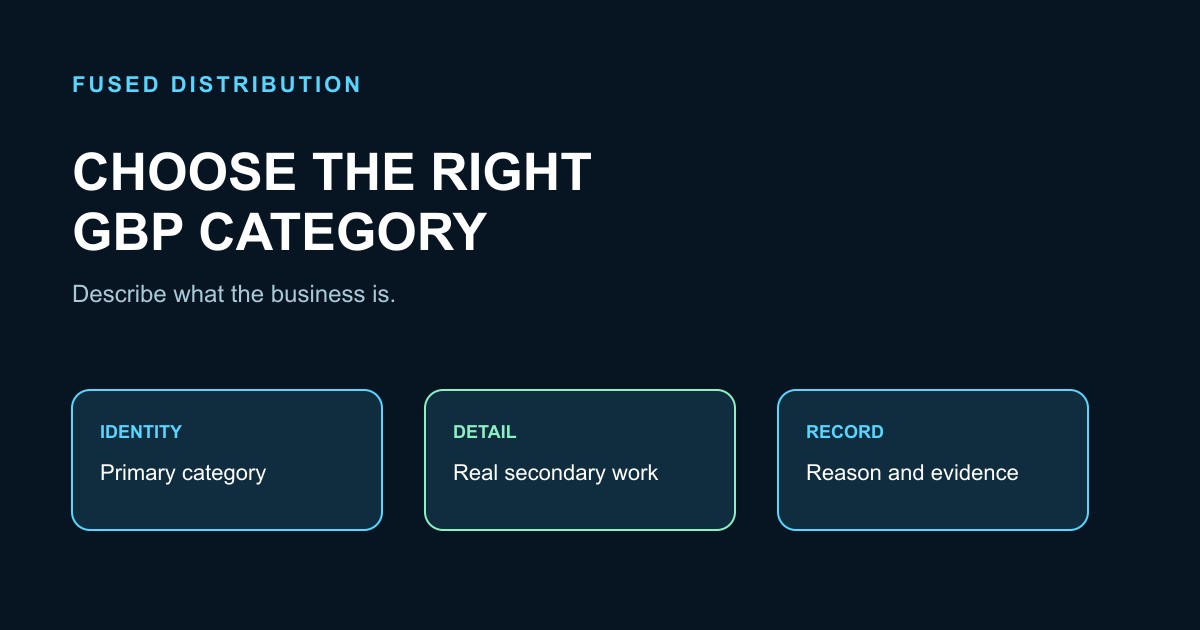
Choosing a Google Business Profile category is a classification task, not a keyword contest. The primary category should describe what the business is as a whole. Additional categories can clarify a real secondary business activity, but they should not become a list of every product, amenity, or phrase a business hopes to rank for.
Google’s current guidelines for representing a business say to use as few categories as possible, choose specific categories that represent the main business, and complete the statement “This business IS a” rather than “This business HAS a.” That principle gives a useful starting point when the category list feels broad or ambiguous.
Write down the real business before opening the editor
Describe the business in one sentence using its real-world identity, customers, location model, and main activity. Use the name customers see on signage, stationery, invoices, and the website. Separate the core business from the products it sells, the amenities it offers, and other businesses operating inside the same location.
For example, a grocery shop that has a bakery counter is still primarily a grocery shop. A hotel with a pool is still a hotel. A repair shop that sells parts is still a repair shop unless the parts operation is a separate public-facing business. This exercise prevents a tempting feature from replacing the business’s actual identity.
Choose the primary category first
The primary category is the first decision because it should describe the main business. Google’s category editing guidance says to select the category that best matches what the business does. When several categories are selected, the first field is the primary category.
After checking your profile setup, open the category selector for the profile and use the supported choices it provides. Search for the narrowest category that accurately describes the whole business. If the exact category is unavailable, choose the more general supported category that remains truthful. Do not invent a category or paste a service phrase into the field as a substitute.
Ask three questions before saving: Would the owner use this category when introducing the business? Does it describe the business as a whole? Would a customer be confused if the category appeared beside the name? If any answer is no, keep comparing supported options.
Separate “is” from “has”
The “is” test is a practical way to reject weak choices. “This business is a dentist” describes an identity. “This business has evening appointments” describes an attribute. “This business has a parking lot” describes an amenity. “This business sells coffee” may describe a product rather than the main business.
Use services, products, attributes, and the business description for their intended jobs. A category should carry the central identity. This separation keeps the listing understandable and reduces the temptation to add a category for every phrase that appears in a customer question.
Add only meaningful additional categories
Additional categories are optional. Google says a business can use additional categories to describe its real business, while warning against categories used solely as keywords or to describe features. Choose one only when it represents a genuine part of the business that customers can understand and that the business operates.
Consider whether the second activity has its own staff, customer path, service description, or public identity. A restaurant that also provides takeout may have a relevant additional category if the supported list offers one. A hotel should not add “swimming pool” merely because the property has that amenity. A salon should not add categories for every treatment it offers.
Keep the list short enough that someone can tell what the business is without reading a catalog. If a category is redundant with a more specific choice, leave it out. Google explains that specific categories can imply broader categories behind the scenes, so adding every broad variation is unnecessary.
Handle departments and co-located businesses carefully
A business inside another business is not automatically a category of the host. Google’s examples distinguish an independently operated cafe inside a health club from the health club itself. The cafe may need its own profile when it is a distinct public-facing department, while the health club should not add “cafe” simply because one operates inside it.
Before adding a category for another operation, ask who owns it, who staffs it, whether customers enter it separately, and whether it has a distinct name. If the operation is independent, follow Google’s department and ownership guidance rather than merging identities. Duplicate or merged profiles can create confusion and policy issues.
Keep chains and location groups consistent
For multiple locations offering the same service, use a category approach that represents the business consistently within that group. Google’s representation guidance says all locations of a business must share the category that best represents the business, with exceptions for genuinely different types of locations or operations.
Create a small category record for each location: real-world name, primary category, additional categories, address or service-area model, and the date reviewed. If one location truly has a different operation, record the reason instead of quietly changing the category to chase a local phrase. Consistency helps the team explain its choices and notice accidental drift.
Avoid category shortcuts and prohibited practices
Do not use categories as a list of cities, products, amenities, or competitor businesses. Do not add a category for a nearby business or for an entity that contains your business. Do not change the business name to insert a category or service phrase. Google’s guidelines require the profile to represent the real business, and its policy overview explains that inaccurate content can be rejected or restricted.
Do not create a second profile just to use another category. A category decision belongs to the existing eligible business profile. If ownership, eligibility, or a suspension problem exists, use the visibility diagnosis checklist and resolve that issue through the appropriate Google process first.
Use services and the website to add detail
When a service does not deserve its own category, describe it in the services editor, products area, business description, website, or customer-facing material where it belongs. Google’s services guidance explains that services can be grouped and described for customers. A service name should remain accurate and useful; it should not become a second keyword list.
Make the same core identity understandable across the profile and website. This does not guarantee a ranking result. It simply gives customers and Google clearer information about what the business actually does. Keep the address or service area, hours, phone number, and website aligned with the real operation.
Change categories with a record and a reason
Before editing, save the current primary and additional categories and write the reason for the proposed change. Use a single accountable owner. Make one category change at a time when possible, then check the profile for accuracy after the edit. Google notes that editing an existing category may trigger another verification request, so keep the owner and supporting records available.
Review the change against the “is” test, the business’s real-world identity, and the current supported list. Note the date, previous value, new value, evidence, and any verification prompt. Avoid frequent switching based on an isolated search result. A category is an identity decision, not a promise of a particular position.
A practical category decision worksheet
Use this short worksheet with the owner:
- What does the business call itself in the real world?
- What is the main activity customers come for?
- Which supported category completes “This business IS a” most accurately?
- Which secondary activities are real, customer-facing, and not redundant?
- Is any proposed category actually a product, amenity, location, or separate business?
- Does the choice work for the business model and each comparable location?
- What services or website content should carry the remaining detail?
Keep the worksheet with the category record. If the answer is unclear, choose the truthful general category and document what evidence would justify a later review. The durable process is to describe the real business, select the most specific supported primary category, add only meaningful secondary categories, and keep the listing consistent with the business customers actually encounter.
Related
- Google Business Profile Setup Guide
- Why Your Google Business Profile Isn’t Showing Up
- How to Rank Higher on Google Maps
Read next: Google Business Profile Setup Guide