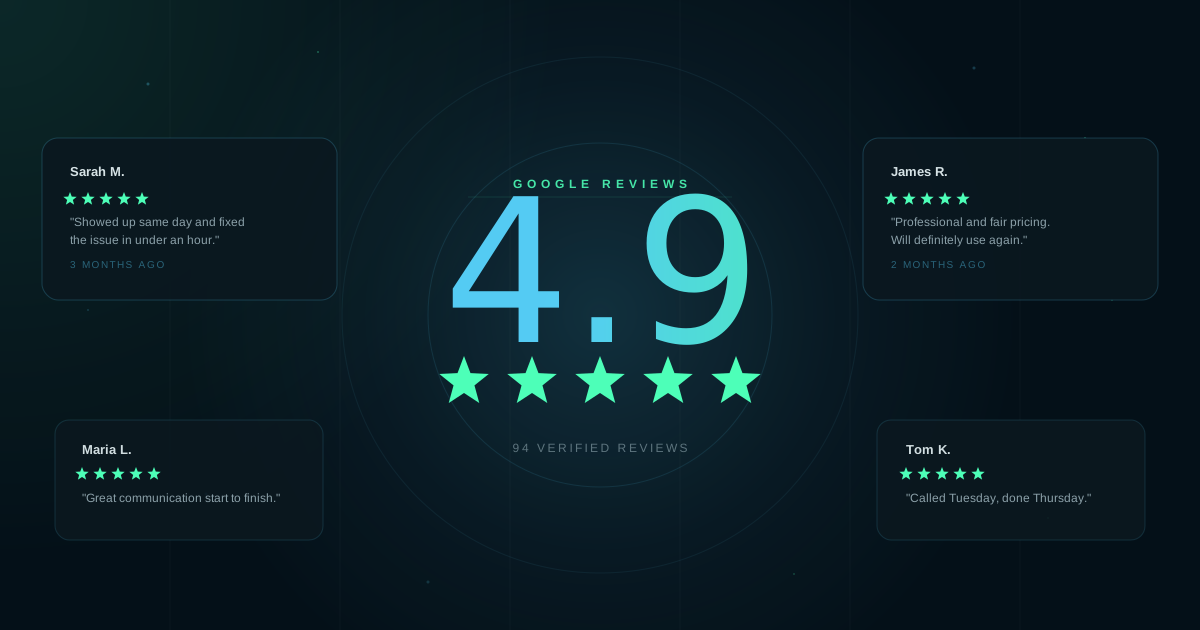
Most people check reviews before deciding where to spend money. If your business has five reviews or fewer, a lot of those potential customers are going somewhere else. Getting more reviews is not complicated. It just requires a system.
Sources: BrightLocal Consumer Review Survey; ReviewTrackers; Womply Local Business Revenue Report
Why Google Specifically
You might wonder whether Yelp or Facebook matter too. They do, but Google is where most people look first. When someone searches for a plumber, a restaurant, or a nail salon nearby, the first results they see include star ratings pulled directly from Google. Reviews on other platforms generally stay on those platforms. Google reviews show up in Maps, in Search, and on the knowledge panel that appears whenever someone looks up your business name.
Beyond visibility, Google uses review quantity and recency as ranking signals in local search. A business with 80 recent reviews tends to rank higher in Google Maps results than an identical business with 12 reviews from three years ago.
How to Ask for a Review
The most reliable way to get a review is to ask directly and make it easy. Both parts matter. A customer who had a good experience will often leave a review if you remove the friction. If they have to go find your listing themselves, most won't bother.
Timing matters too. Ask when the job is done and the customer is satisfied, not days later when the moment has passed.
Ask verbally at the end of the transaction. Keep it simple: "If you have a minute, a Google review would really help us out." Then send a follow-up text with the direct link while they're still thinking about you.
Send your direct Google review link by text shortly after completing the job. A short, personal message outperforms a template. Something like: "Thanks for coming in today, [Name]. If you have a sec, here's a link to leave us a Google review: [link]"
Add a review link to your follow-up email, invoice, or receipt. This works well for service businesses that already send confirmation emails. Put the link near the top, not buried at the bottom.
Getting Your Direct Review Link
Don't send people to your homepage and expect them to find the review form on their own. Get the short link that takes them directly to the review box:
- Go to your Google Business Profile at business.google.com
- Click Ask for reviews (or "Get more reviews" depending on your view)
- Copy the short link Google provides
That link goes directly to the review input. Test it on your phone before you send it to anyone.
Responding to Reviews
Reply to every review, not just the negative ones. A short, specific response to a positive review signals to Google and to future customers that the business is active and paying attention. Keep it personal, reference what they mentioned, and skip the template thank-you lines.
For negative reviews: respond calmly, acknowledge the issue, and offer to resolve it offline. Don't argue in public. Don't over-explain. Future customers read how you handle complaints more closely than they read the complaint itself. A well-handled bad review can actually build trust.
What Not to Do
- Don't buy reviews. Google detects and removes them. Repeated violations can get your listing suspended entirely.
- Don't offer discounts or incentives for reviews. This violates Google's policies and can result in review removal.
- Don't set up a shared tablet or kiosk for customers to leave reviews in your store. Reviews submitted from the same IP address as your business get flagged.
- Don't ask employees to leave reviews at once. A sudden batch of reviews from accounts with no review history triggers Google's spam filters.
- Don't ignore old negative reviews. Even if they're years old, a response shows you're still watching and that the issue was taken seriously.
Sources
- BrightLocal, Local Consumer Review Survey, consumer review-reading habits and platform preference data.
- ReviewTrackers, Online Reviews Statistics and Trends, Google's share of total online reviews across platforms.
- Womply, Local Business Revenue Report, revenue correlation with review response rates and review volume.