Record the minimum useful details → Choose a safe next action
Close the case with evidence → Use recurring exceptions to improve the process
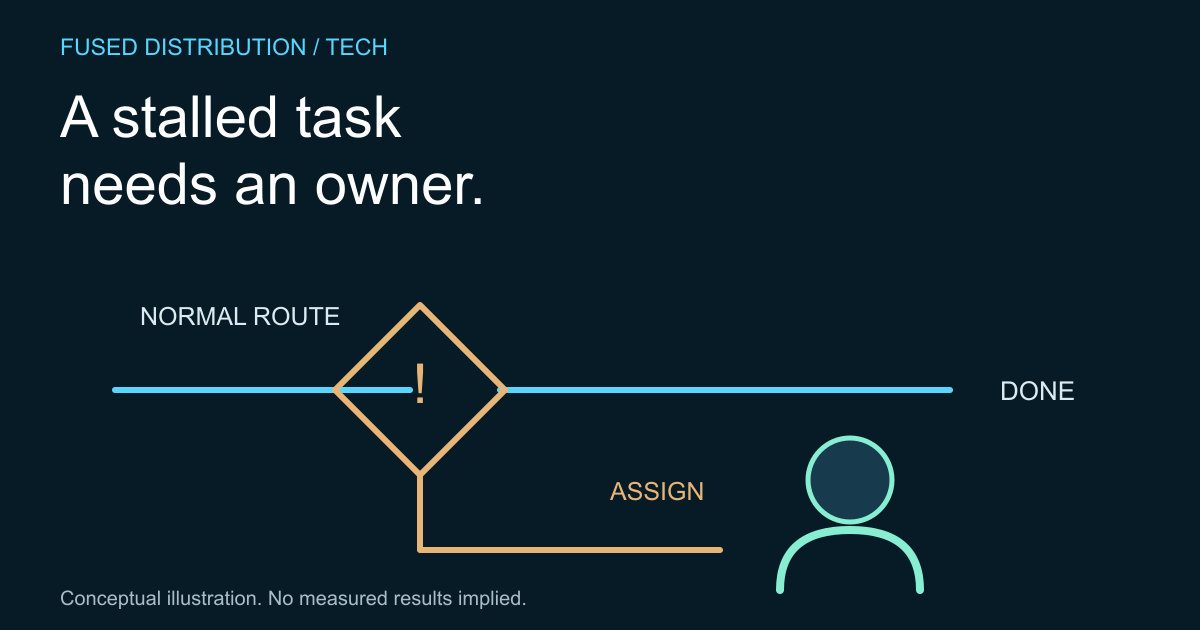
An exception is a case the normal process cannot safely complete as written. A missing document, conflicting instruction or unavailable system can all require a different next step. An exception log makes that step visible instead of leaving the case in an inbox with no clear owner.
Choose one workflow and define what counts as normal completion before creating the log. This is an original practical method, not a claim about a particular software product. Start with a simple controlled document or table the responsible team can actually maintain.
Record useful exception details
Give each case an identifier, the time it was noticed, the affected step and a concise description of the problem. Add an owner, next action and review time. Link to authorized source records where needed rather than copying sensitive customer information into a widely shared log.
Separate the observed problem from a proposed explanation. “Required approval missing” is an observation; “the customer ignored the message” may be an unverified interpretation. Neutral descriptions help the next person investigate without inheriting an assumption that could send the case in the wrong direction.
Choose a safe next action
Define whether the case waits for information, goes to a reviewer or uses an approved alternative process. Do not treat a retry as a universal solution. Repeating an outward action can create duplicates if the first attempt succeeded but its confirmation was lost.
Our guide to choosing a first AI task discusses boundaries around automation. Apply the same principle here: the log should identify who can authorize a consequential next step. A record of a problem is not, by itself, permission to take any available action.
Close the case with evidence
Record what resolved the exception and how the result was checked. A successful command or a sent request may not establish that the intended business outcome occurred. Include the evidence appropriate to the workflow, such as a confirmed record identifier or a reviewed final document.
If automation is involved, use a test set with expected outcomes to exercise known failure cases. Keep unresolved cases open with a real next action. Avoid a generic closed status that hides whether the work succeeded, was cancelled or still depends on someone else.
Use recurring exceptions to improve the process
Review repeated categories periodically. A frequent missing input may indicate unclear instructions, while repeated duplicate attempts may reveal a verification gap. Investigate the pattern before changing the workflow; a count alone does not explain the cause.
Choose a specific correction, assign its owner and define how the team will know it worked. Keep the exception records available under the appropriate access and retention rules. The goal is fewer avoidable interruptions and clearer handling of the cases that still need judgment, not an empty log achieved by hiding failures.
Sources
- Original practical guidance. No product capability, benchmark or measured savings claim.
Related
- Choosing a low risk first ai task for a small business
- Building a test set for ai customer support drafts
Read next: Choosing a low risk first ai task for a small business.