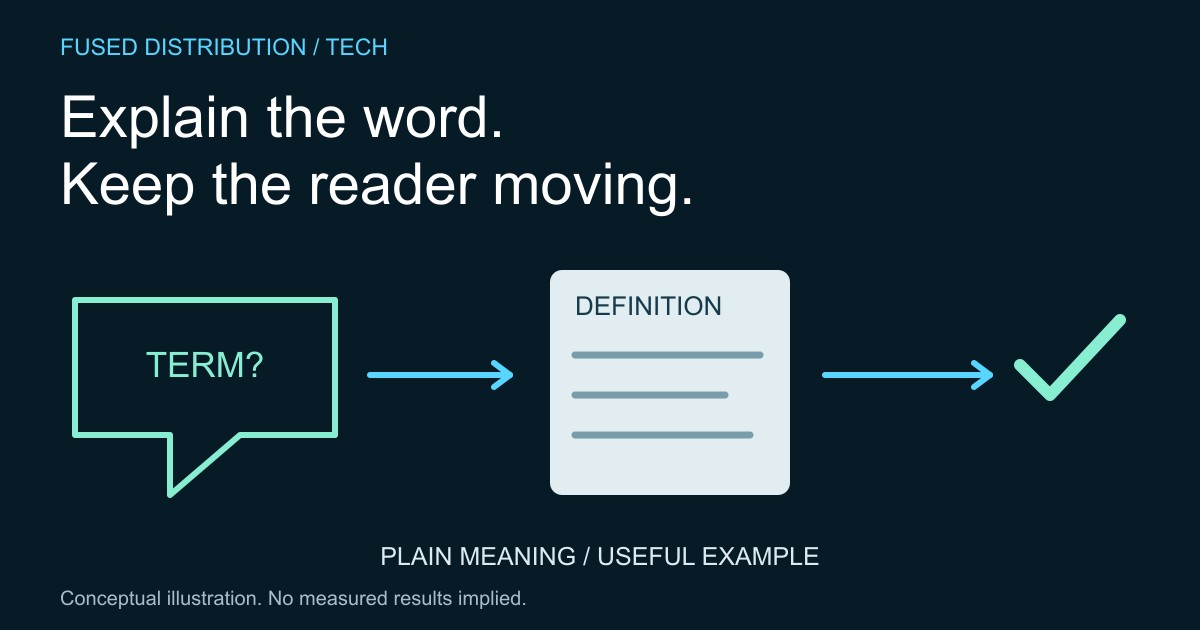
Choose glossary terms from customer questions → Write glossary definitions in the right context
Connect the glossary to the customer task → Test glossary entries with real questions
A useful customer glossary explains the words people encounter while trying to complete a task. Start with unfamiliar terms on your service pages, forms and messages. Explain what each term means in that particular context, and make the definition easy to reach without losing the customer's place.
W3C's G101 technique discusses definitions for words used in unusual or restricted ways, including specialized vocabulary. The practical method below applies that idea to a small business website. A glossary alone does not establish accessibility conformance. It is one part of making the information and the surrounding task understandable.
Choose glossary terms from customer questions
Collect words that customers ask about or that your team routinely has to explain. Keep the original question alongside each candidate. A term that is familiar inside your business may still confuse someone comparing services for the first time. Prioritize words that affect a choice, a price explanation or an instruction.
Check whether the term is necessary at all. Sometimes replacing jargon with an ordinary phrase is clearer than adding another definition. If a precise term must remain, explain it when the reader first needs it. Our guide to turning service conversations into FAQ topics offers a related way to start from actual customer questions rather than an internal list of favorite subjects.
Write glossary definitions in the right context
Define the meaning used on your website. Avoid pasting every possible dictionary meaning into a short entry. A definition should help the customer interpret the sentence they were reading. Include a concrete, clearly hypothetical example when it clarifies the distinction, and avoid introducing several more unexplained terms to explain the first one.
For example, a website provider might define a draft as a version prepared for review, with publication handled as a separate step. The exact wording must match that provider's actual process. If a term affects contractual scope or a policy, have the responsible person check the definition against the authoritative document before publishing it.
Connect the glossary to the customer task
Place a short explanation near the term when that is enough. For longer entries, use a descriptive link to the definition. Make it possible to return to the original task. Do not hide essential meaning behind an interaction that customers cannot reliably discover or operate on their device.
Keep links consistent when a term appears on several pages. Check the destination and the surrounding sentence after edits. Our accessible publishing checklist describes broader checks for content structure, links and media. A glossary entry should fit into that same publishing review instead of becoming a separate collection of forgotten pages.
Test glossary entries with real questions
Ask a reader to explain the term in their own words while using the relevant page. Notice whether the definition helps them make the intended decision. Simply asking whether an entry looks clear may miss a misunderstanding. Keep the test question and the observed difficulty so the next edit has a specific purpose.
Assign an owner and review the entry whenever the related service changes. Record where the term is used so an update can reach those pages too. Remove ambiguity by revising the explanation or the original sentence; adding more words is not always the right repair. The goal is a customer who can continue the task with the correct understanding.
Sources
- W3C technique G101: definitions for unusual or restricted meanings. The glossary selection, testing and maintenance workflow is original practical guidance.
Related
Read next: Build a publishing checklist around the reader.